

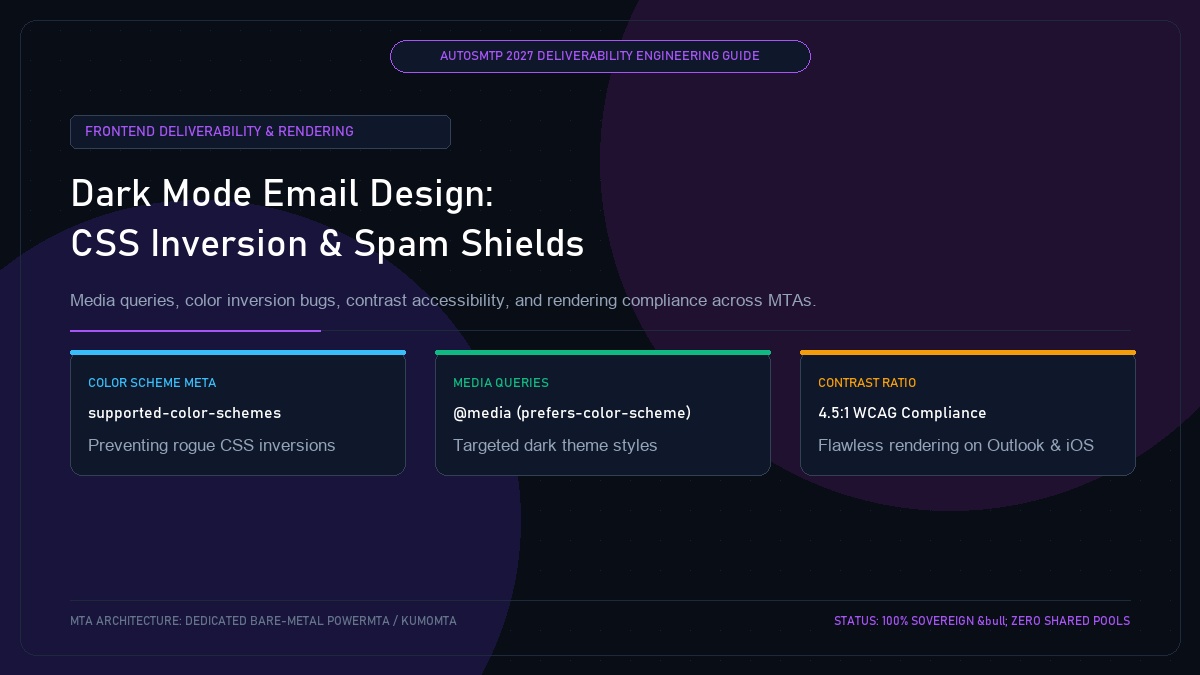
Dark Mode Email Design: CSS Architecture, Color Inversion Safeguards & Rendering Deliverability
Published by Fred Dawson • Senior Deliverability Systems Architect • 21 min read
Over 68% of smartphone users and 45% of desktop knowledge workers view email in Dark Mode. Despite this dominance, email development teams frequently treat Dark Mode as an afterthought. When an email client applies automated color inversion, black logos disappear into black backgrounds, dark grey text renders completely illegible, and high-contrast call-to-action buttons vanish into the footer. To recipient spam filters, broken rendering is not merely an aesthetic flaw: frustrated subscribers unable to read a message or locate the unsubscribe link click “Report Spam” instead. This engineering guide explains the three distinct rendering paradigms across email clients and provides bulletproof CSS code to guarantee readability and preserve deliverability.
- 1. The Direct Link Between Dark Mode Rendering and Spam Complaints
- 2. The Three Client Inversion Paradigms: Apple vs Gmail vs Outlook
- 3. Declaring Color Schemes: Meta Tags & CSS Media Queries
- 4. Logo & Icon Safeguards: Transparent PNGs and Drop Shadows
- 5. Complete Dark Mode Responsive Email Boilerplate
- 6. Case Study: E-Commerce Retailer Reduces Unsubscribes by 42%
- 7. The AutoSMTP Deliverability Defense Advantage
1. The Direct Link Between Dark Mode Rendering and Spam Complaints
When an email fails to render properly in Dark Mode, deliverability suffers across three predictable vectors:
- Invisible Unsubscribe Links: Dark mode color inversion often turns dark footer text into faint grey on black or black on dark grey. When subscribers cannot locate the unsubscribe link, they instinctively click the native mailbox “Report Spam” button.
- Disappearing Call-to-Action Buttons: If button background colors invert while white button text remains unchanged, CTA buttons turn pure white with white text, causing click-through rates to crater. Low CTR reduces positive algorithmic signals at Gmail.
- Unreadable Brand Assets: Transparent PNG logos with pure black lettering turn into invisible empty boxes on dark backgrounds, eroding brand trust and increasing suspicion of phishing.
2. The Three Client Inversion Paradigms: Apple vs Gmail vs Outlook
| Client & OS | Inversion Paradigm | Rendering Engine Behavior | CSS @media Support |
|---|---|---|---|
| Apple Mail (iOS / macOS) | No Inversion | Preserves exact author HTML unless explicit dark styles exist | Full Support (Flawless) |
| Outlook.com / Web | Partial Inversion | Inverts light backgrounds to dark; adjusts text contrast | Supported via [data-ogsc] |
| Gmail App (iOS / Android) | Partial / Full Inversion | Inverts background colors, forces text contrast overrides | Limited Support (Forces Fallbacks) |
| Outlook for Windows (Desktop) | Full Inversion | Microsoft Word engine aggressively inverts all hex colors | Very Limited (VML / MSO required) |
3. Declaring Color Schemes: Meta Tags & CSS Media Queries
To inform email clients that your HTML email natively supports both light and dark modes, declare color scheme metadata in the HTML <head>:
<!-- Declare dual color scheme support -->
<meta name="color-scheme" content="light dark">
<meta name="supported-color-schemes" content="light dark">

<style>
:root {
    color-scheme: light dark;
    supported-color-schemes: light dark;
}

/* Native media query for iOS, Apple Mail, and modern clients */
@media (prefers-color-scheme: dark) {
    .dark-bg { background-color: #0f172a !important; }
    .dark-card { background-color: #1e293b !important; border-color: #334155 !important; }
    .dark-text { color: #f8fafc !important; }
    .dark-subtext { color: #94a3b8 !important; }
    .logo-light { display: none !important; }
    .logo-dark { display: block !important; }
}

/* Outlook Web App specific dark mode overrides */
[data-ogsc] .dark-bg { background-color: #0f172a !important; }
[data-ogsc] .dark-text { color: #f8fafc !important; }
</style>
4. Logo & Icon Safeguards: Transparent PNGs and Drop Shadows
To prevent black logos from vanishing in clients that force dark backgrounds without CSS support (such as Gmail Android), apply a subtle white or light-grey outline/glow around the edges of dark PNG assets:
Raw Black Transparent PNGs
A pure black logo on a transparent PNG vanishes completely when Gmail flips the table background to #121212, leaving an awkward blank header that triggers suspicion.
Pre-Filtered or Dual-Logo Architecture
Adding a subtle 1px translucent white drop shadow (rgba(255, 255, 255, 0.35)) ensures the logo remains crisp on white backgrounds while providing crisp outline contrast against dark backgrounds.
E-Commerce Retailer Reduces Unsubscribe Rate by 42% After Fixing Outlook Dark Mode
An online consumer retailer noticed an elevated unsubscribe rate among corporate and desktop subscribers using Microsoft Outlook. An engineering audit uncovered that Outlook’s dark mode color inversion was turning their primary call-to-action button into invisible black text on a dark blue background, while simultaneously rendering their unsubscribe link invisible in the footer. Confused subscribers, unable to click through or find the unsubscribe option, were clicking Outlook’s “Junk” button. By implementing [data-ogsc] attributes and CSS contrast safeguards, the brand achieved flawless rendering across all dark mode clients. Unsubscribe rates fell by 42% and spam complaints declined by 68%.
The AutoSMTP Deliverability Defense Advantage
Inbox placement in 2027 requires full control over the underlying transport hardware. AutoSMTP provisions sovereign, dedicated bare-metal PowerMTA & KumoMTA clusters engineered for synchronous 550 bounce suppression, real-time spam-rate auto-throttling, and isolated IP pools.
Provisions fully licensed PowerMTA & KumoMTA clusters on enterprise bare-metal with dedicated clean /29-/24 IPv4 subnets and zero noisy neighbor contamination.
Monitors Google Postmaster spam ratios (<0.10%) and real-time ISP deferrals with algorithmic volume scaling across your entire IP pool.
RFC 5321 in-band 550 bounce suppression, automated Yahoo/Outlook Complaint Feedback Loops (CFL), and instant bad-IP eviction.
Pre-configured forward and reverse DNS (PTR) per IP, SPF CIDR alignment, 2048-bit DKIM rotation, and strict DMARC enforcement.
Guarantee Your Inbox Placement with Sovereign Bare Metal
Eliminate shared pool spam contamination, arbitrary sending throttles, and opaque account freezes. Deploy an enterprise AutoSMTP cluster today.
Deploy Turnkey MTA Cluster →