

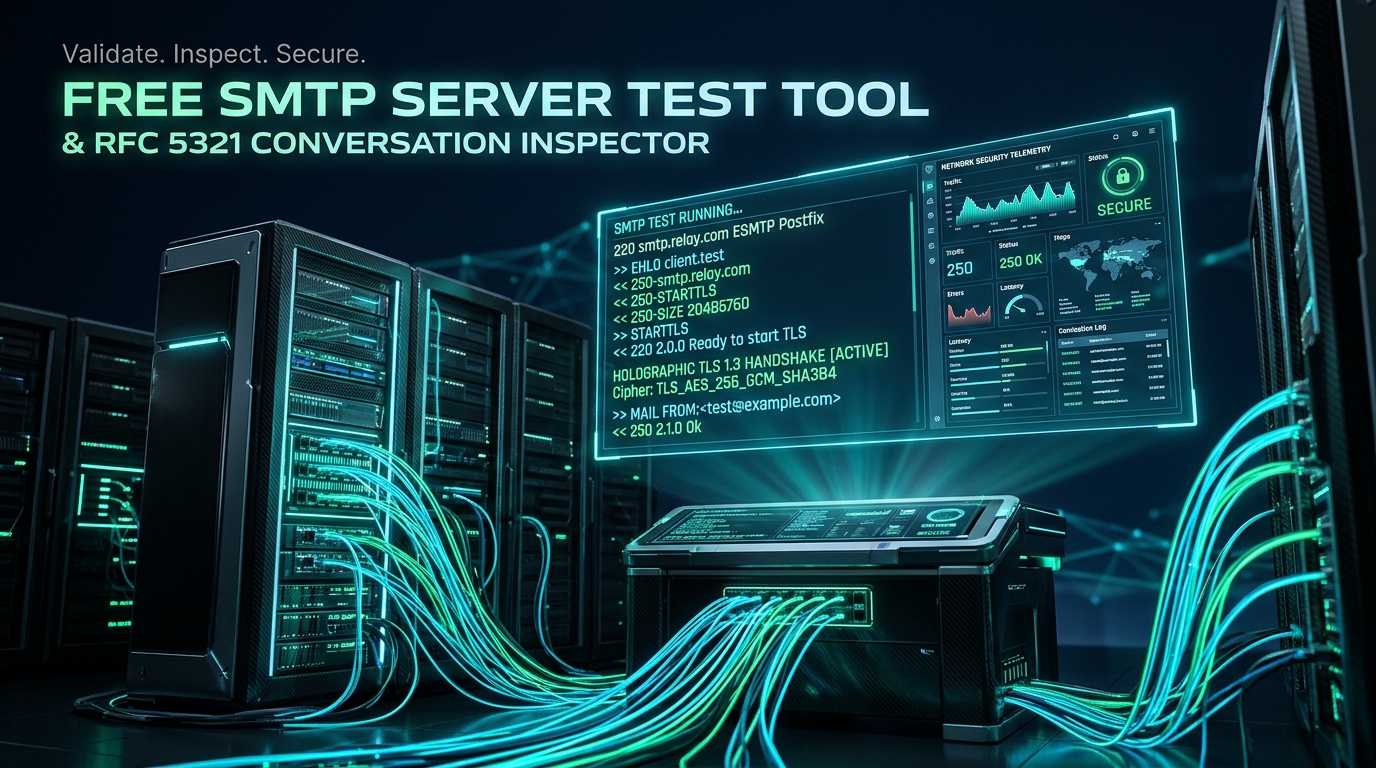
Free SMTP Server Test Tool & Live Conversation Inspector
Connect to SendGrid, Mailgun, Amazon SES, Brevo, Postmark, Microsoft 365, Google Workspace, or any custom SMTP server and inspect the exact client/server socket conversation in real-time. Diagnose authentication rejections, TLS cipher mismatches, port blocks, and sender/recipient relay failures in seconds.
Test Your SMTP Server Connection
Connect to any SMTP server and watch the entire conversation — greeting, EHLO capabilities, STARTTLS negotiation with certificate details, authentication, and MAIL FROM / RCPT TO acceptance — rendered as a timestamped transcript. Credentials are masked in logs, and private addresses are blocked for safety.
Select your provider or enter credentials on the left, then click Run SMTP Test.
The exact raw socket handshake will stream here in real-time.
How It Works: Three Steps to Diagnose Broken SMTP Connections
Enter your SMTP server hostname (or click SendGrid, SES, Mailgun chips), select your port (587, 465, or 2525), and supply authentication credentials if required.
Our backend opens a live socket directly to your host, reads the 220 greeting banner, negotiates explicit STARTTLS or direct SSL, tests AUTH credentials, and validates sender/recipient relay.
Inspect the exact raw server responses in color-coded CRT terminal output. Instantly discover if the failure is caused by authentication errors (535), relay rejections (550), or TLS cipher mismatches.
SMTP Ports Demystified: 587 vs 465 vs 2525 vs 25
Selecting the wrong port and security pairing is the #1 cause of SMTP connection timeouts. Major cloud hosting providers (AWS EC2, Google Cloud, DigitalOcean) permanently block outbound port 25 to prevent spam abuse. Use this reference matrix to configure your MTA:
| Port | Standard Protocol | Security / TLS Mode | Primary Use Case & ISP Support | Cloud Provider Status |
|---|---|---|---|---|
| 587 | RFC 6409 Email Submission | STARTTLS (Explicit) | Standard port for email clients, SaaS apps, and outbound sending to commercial SMTP relays. | ✅ Universally Open across AWS, GCP & Azure |
| 465 | SMTPS (RFC 8314) | Implicit SSL/TLS on Connect | Direct encrypted socket from byte 0. Popular with Google Workspace, MailerQ, and modern mail clients. | ✅ Open across all major enterprise datacenters |
| 2525 | Alternative Submission | STARTTLS or Plaintext | Alternative submission port supported by SendGrid, Mailgun, and SMTP2GO when port 587 is firewalled. | ✅ Unfiltered backup port |
| 25 | RFC 5321 Server-to-Server Relay | Optional Opportunistic STARTTLS | MTA-to-MTA mail exchange (MX routing between Postfix, PowerMTA, and Google/Microsoft MX servers). | ❌ Strictly Blocked by residential ISPs & public clouds |
Anatomy of an SMTP Session: The Exact Conversation Sequence
When an email client connects to an SMTP server, an exact conversational protocol defined by RFC 5321 takes place. Here is the step-by-step wire exchange:
S: 220 smtp.example.com ESMTP Exim 4.100 ready
C: EHLO mail.autosmtp.io
S: 250-smtp.example.com Hello mail.autosmtp.io [46.105.72.90]
S: 250-SIZE 52428800
S: 250-8BITMIME
S: 250-STARTTLS
S: 250-AUTH LOGIN PLAIN
S: 250 HELP
C: STARTTLS
S: 220 2.0.0 Ready to start TLS
[=== TLS 1.3 Cryptographic Handshake & Peer Certificate Verification ===]
C: EHLO mail.autosmtp.io
S: 250-smtp.example.com Hello under encrypted TLS channel
S: 250-AUTH LOGIN PLAIN
S: 250 OK
C: AUTH LOGIN
S: 334 VXNlcm5hbWU6  (Base64 for "Username:")
C: YXBpa2V5          (Base64 for "apikey")
S: 334 UGFzc3dvcmQ6  (Base64 for "Password:")
C: [MASKED_BASE64_PASSWORD]
S: 235 2.7.0 Authentication successful
C: MAIL FROM:<bounces@yourdomain.com>
S: 250 2.1.0 Ok: Sender address accepted
C: RCPT TO:<lead@targetcompany.com>
S: 250 2.1.5 Ok: Recipient address accepted
C: DATA
S: 354 End data with <CR><LF>.<CR><LF>
C: From: <sender@yourdomain.com>
C: To: <lead@targetcompany.com>
C: Subject: High-Converting Cold Outreach
C:
C: Hello John, let's connect.
C: .
S: 250 2.0.0 Ok: queued as 4X8pQv3mK1z9
C: QUIT
S: 221 2.0.0 smtp.example.com closing connection
Decoding Common SMTP Error Codes: 535, 550, 421 & 451
If your test fails, the SMTP status code returned in the terminal tells you the root cause:
| Status Code | Error Classification | What It Means | Recommended Remediation |
|---|---|---|---|
| 535 5.7.8 | Authentication Credentials Invalid | The server rejected the username or password. Common with SendGrid/SES when using dashboard passwords instead of API keys. | Verify API key permissions. For SendGrid, use username apikey. For Gmail, generate an App Password. |
| 550 5.7.1 | Relaying Denied / Access Refused | The server accepted connection but refuses to forward mail to the recipient without authenticated credentials. | Ensure your SMTP client authenticates before issuing RCPT TO, or whitelist the client IP in MTA relay config. |
| 421 4.7.0 | Service Not Available / Rate Limited | Server is overwhelmed, connection limit exceeded, or client IP is grey-listed / throttled. | Check IP reputation on Spamhaus/Barracuda DNSBL. Slow down concurrent connection concurrency. |
| 554 5.7.1 | Sender Address Rejected / Policy Block | The domain in MAIL FROM failed SPF check, DMARC p=reject policy, or domain reputation check. |
Ensure SPF and DKIM are fully aligned. Align Return-Path with RFC 5322 From header. |
Frequently Asked Questions: SMTP Testing & Infrastructure
STARTTLS command, and both client and server upgrade the socket to an encrypted TLS tunnel.SSL on Connect (Implicit SMTPS): Runs on port 465. The TLS cryptographic handshake occurs immediately upon opening the socket, before any SMTP greeting banner or EHLO commands are exchanged.
******** [MASKED CREDENTIAL]) and is never written to log files, disk, or databases.
smtp.gmail.com:587, you must enable 2-Step Verification on the Google account and generate a dedicated 16-character App Password, which is used in place of your standard password.
The Enterprise Outbound & Authentication Playbook
Follow this 7-step engineering roadmap to configure cryptographic sender authentication, comply with 2026 bulk sender mandates, and eliminate shared relay penalties.
The AutoSMTP Solution: Turnkey Dedicated Bare-Metal Clusters
Tired of shared IP reputation penalties, opaque rate limits, and unexpected per-contact SaaS pricing? AutoSMTP provisions dedicated, enterprise-grade bare-metal PowerMTA and KumoMTA clusters configured with flat, predictable pricing.
Deploy dedicated bare-metal PowerMTA / KumoMTA instances with dedicated IPv4 subnets, clean reverse DNS (PTR), and unlimited sending volume.
Self-calibrating warmup engines monitor Google Postmaster spam ratios (<0.1%) and real-time deferrals with automatic traffic throttling.
Real-time RFC 5321 in-band 550 bounce suppression combined with automated Yahoo and Microsoft CFL abuse loop ingestion.
Pre-configured SPF, 2048-bit DKIM key rotation, strict DMARC enforcement (p=reject), and verified VMC BIMI integration.
Ready for High-Deliverability Dedicated SMTP?
Eliminate shared-pool blacklists and scale your email infrastructure with flat-rate dedicated bare-metal clusters.
Deploy Dedicated SMTP Cluster →Key capabilities
- Full bidirectional transcript with per-step latency
- TLS 1.3/STARTTLS with cipher + certificate reporting
- AUTH LOGIN/PLAIN verification (password masked)
- Relay and envelope acceptance testing
- SSRF-guarded.