

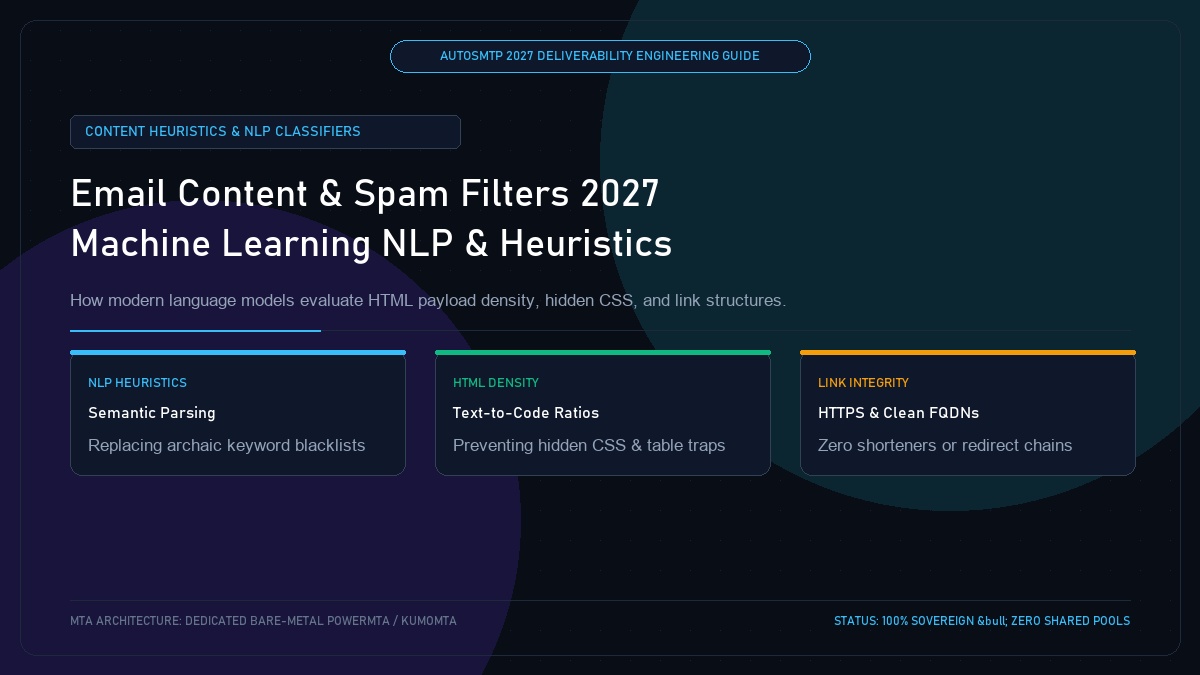
Email Content and Spam Filters in 2027: What Triggers Machine Learning Filters & Natural Language Heuristics
Published by Fred Dawson • Senior Deliverability Systems Architect • 22 min read
For over two decades, email marketers were taught to avoid simple “spam trigger words” like “free,” “act now,” or “cash.” In 2027, modern Mailbox Providers (Google Workspace, Microsoft 365, Apple Mail) have replaced primitive Bayesian regex filters with deep learning Natural Language Processing (NLP) models and computer vision scanners. Today’s spam filters analyze semantic intent, HTML-to-text density, hidden CSS obfuscation, tracking redirect chains, and recipient behavioral signals. This guide breaks down how machine learning content filters actually evaluate inbound message payloads and provides the technical blueprint for clean, compliant email construction.
- 1. The Death of Trigger Words: Rise of NLP Spam Classifiers
- 2. Structural HTML Red Flags: Hidden CSS, Tables & MIME
- 3. The Image-Only Email Trap & Computer Vision OCR
- 4. Hyperlink Hygiene: Redirect Chains & Tracking Domains
- 5. Subject Line & Preheader Engineering for 2027
- 6. Content Heuristics & Filter Verdict Matrix
- 7. Case Study: Fixing a Flagged E-Commerce Newsletter
- 8. The AutoSMTP Deliverability Defense Advantage
1. The Death of Trigger Words: Rise of NLP Spam Classifiers
Modern mailbox filters do not evaluate words in isolation. Transformers and BERT-derived models deployed at Google and Microsoft evaluate the semantic context of the entire message:
Archaic Myth: Isolated Trigger Words
Belief that including words like “discount” or “offer” automatically routes email to spam. In reality, legitimate transactional and commercial emails use these words billions of times daily without penalty.
2027 Reality: Intent, Urgency & Discrepancy
NLP models evaluate artificial urgency (e.g., “Account locked in 15 minutes”), emotional coercion, grammatical anomalies, and discrepancies between the sender’s authenticated domain and the subject matter.
2. Structural HTML Red Flags: Hidden CSS, Tables & MIME
Spam filters inspect the raw MIME structure and DOM tree for evasion patterns:
- Hidden Text & Zero-Font CSS: Injecting hidden keywords via
display:none;,font-size:0px;, or font colors matching background colors (e.g., white text on white background) triggers instant high-severity spam penalties. - Missing Plain-Text Alternative: Every RFC 2046 compliant email must include a cleanly formatted
text/plainMIME part. Omitting the plain-text part or leaving it empty inflates SpamAssassin and Microsoft spam scores. - Excessive Payload Size (> 100 KB): Gmail clips HTML payloads exceeding 102 KB, truncating the footer containing the mandatory unsubscribe link and firing spam filter heuristics.
Content-Type: multipart/alternative; boundary="boundary-2027-autosmtp"

--boundary-2027-autosmtp
Content-Type: text/plain; charset="UTF-8"
Content-Transfer-Encoding: quoted-printable

Hello Alex,
Your weekly infrastructure deliverability report is ready for review.
Access your dashboard: https://app.example.com/analytics

--boundary-2027-autosmtp
Content-Type: text/html; charset="UTF-8"
Content-Transfer-Encoding: quoted-printable

<!DOCTYPE html>
<html><body>
<p>Hello Alex,</p>
<p>Your weekly infrastructure deliverability report is ready.</p>
<p><a href=3D"https://app.example.com/analytics">View Dashboard</a></p>
</body></html>
--boundary-2027-autosmtp--
3. The Image-Only Email Trap & Computer Vision OCR
Sending emails composed entirely of sliced images with minimal live text remains a major deliverability pitfall:
Computer Vision OCR in Mailbox Gateways
Google and Microsoft pass incoming email images through Optical Character Recognition (OCR) engines. If an image contains rendered text that differs significantly from the HTML text body, or if an email consists of a 5MB image without supporting semantic text, the filter treats it as an attempt to bypass text-based inspection.
4. Hyperlink Hygiene: Redirect Chains & Tracking Domains
The URLs embedded in your email are evaluated against global threat feeds (Google Safe Browsing, SURBL, URIBL):
- Public URL Shorteners: Services like bit.ly, tinyurl, and ow.ly are heavily abused by spammers. Using a generic public shortener will immediately flag your email on corporate filters.
- Mismatched Custom Tracking Domains: If your email is sent from
mail.company.com, your click-tracking links should resolve through a branded subdomain likeclick.company.comwith a valid SSL certificate. - Multi-Hop Redirect Chains: Avoid routing links through multiple redirect hops (e.g., ESP tracker → affiliate network → landing page).
5. Subject Line & Preheader Engineering for 2027
The subject line and preheader form the primary input for AI summary generation:
- Avoid deceptive prefixes like “Re:” or “Fwd:” on marketing broadcasts.
- Keep subject lines under 60 characters to avoid truncation on mobile screens.
- Ensure the preheader text provides a concrete semantic continuation of the subject rather than generic boilerplate like “Having trouble viewing this email?”.
6. Content Heuristics & Filter Verdict Matrix
| Content Feature | Spam Risk Level | Detection Mechanism | Best Practice Implementation |
|---|---|---|---|
| Single Sliced Image | Critical (High Risk) | OCR & Text-to-Image Ratio | Use live HTML typography with image accents; ≥ 60% text |
| Hidden CSS Font | Severe (Instant Spam) | DOM Style Scanner | Never use zero-font or display:none text in email bodies |
| Public Shortener Link | High Risk | SURBL / URIBL Feeds | Use dedicated HTTPS branded tracking subdomains |
| Missing Plain Text Part | Moderate Penalty | MIME Boundary Checker | Always include a synchronised multipart/alternative text/plain body |
Recovering an Apparel Brand from Microsoft Outlook Junk Filtering
A direct-to-consumer fashion retailer saw their Outlook placement collapse to 12%. An audit revealed that their design agency had been exporting entire newsletter designs as 3 giant PNG images sliced inside a table, with zero live HTML text. Furthermore, their ESP tracking domain lacked an SSL certificate. Deliverability engineers refactored their template system to use semantic HTML, web-safe fonts, and a 70:30 text-to-image ratio, and deployed an SSL-secured custom tracking domain on AutoSMTP. Within 3 send cycles, Outlook inbox placement rebounded to 98.6%.
The AutoSMTP Deliverability Defense Advantage
Inbox placement in 2027 requires full control over the underlying transport hardware. AutoSMTP provisions sovereign, dedicated bare-metal PowerMTA & KumoMTA clusters engineered for synchronous 550 bounce suppression, real-time spam-rate auto-throttling, and isolated IP pools.
Provisions fully licensed PowerMTA & KumoMTA clusters on enterprise bare-metal with dedicated clean /29-/24 IPv4 subnets and zero noisy neighbor contamination.
Monitors Google Postmaster spam ratios (<0.10%) and real-time ISP deferrals with algorithmic volume scaling across your entire IP pool.
RFC 5321 in-band 550 bounce suppression, automated Yahoo/Outlook Complaint Feedback Loops (CFL), and instant bad-IP eviction.
Pre-configured forward and reverse DNS (PTR) per IP, SPF CIDR alignment, 2048-bit DKIM rotation, and strict DMARC enforcement.
Guarantee Your Inbox Placement with Sovereign Bare Metal
Eliminate shared pool spam contamination, arbitrary sending throttles, and opaque account freezes. Deploy an enterprise AutoSMTP cluster today.
Deploy Turnkey MTA Cluster →