

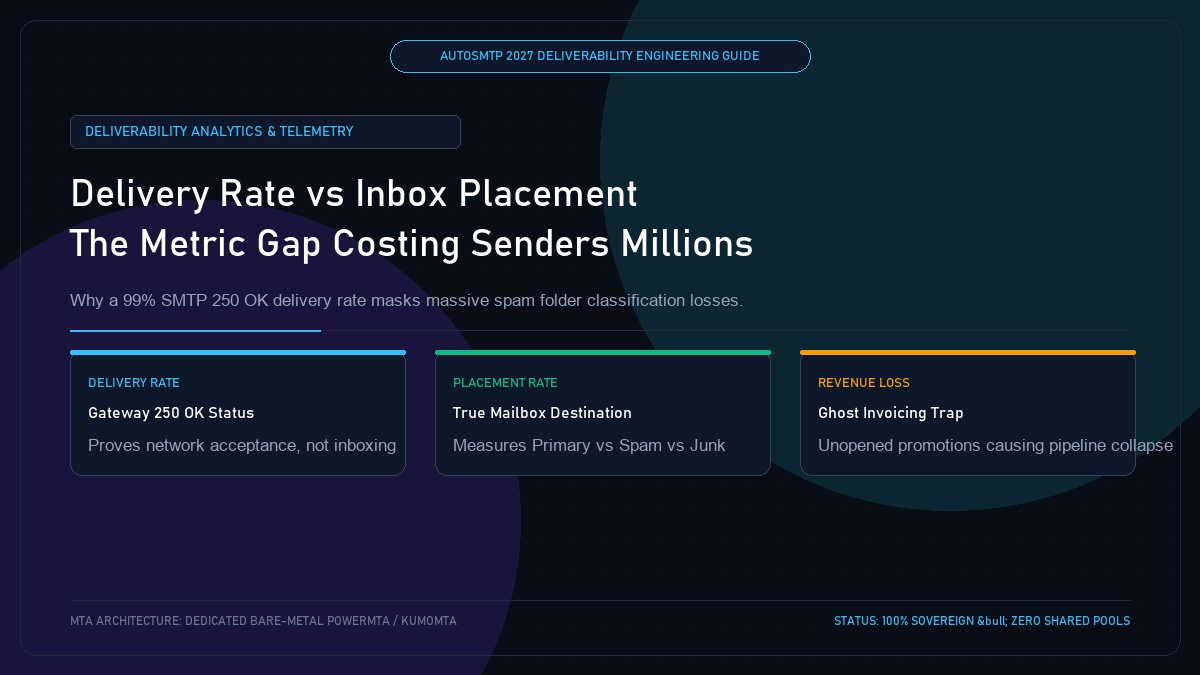
Email Delivery Rate vs Inbox Placement Rate Explained: The Metric Gap Costing Senders Millions
Published by Fred Dawson • Senior Deliverability Systems Architect • 20 min read
In the email marketing industry, no misunderstanding is more costly than conflating “Delivery Rate” with “Inbox Placement Rate.” Standard SaaS ESP dashboards proudly boast a “99.2% Delivery Rate,” leading executive teams to believe their messages are reaching customers. In reality, a delivered email simply means the receiving server returned an SMTP 250 OK network status—it does not mean the message landed in the inbox. Over 40% of “delivered” emails are routinely routed directly to the spam folder or quarantined in backend junk queues. This architectural guide exposes the technical discrepancy between gateway acceptance and mailbox placement.
- 1. Deconstructing the Terminology: Delivery vs Deliverability
- 2. What SMTP 250 OK Actually Signifies at the Network Layer
- 3. Downstream Post-Acceptance Mailbox Filtering
- 4. The Financial Toll of the “Vanity Delivery” Illusion
- 5. How to Programmatically Measure True Inbox Placement
- 6. Delivery Rate vs Placement Rate Comparison Matrix
- 7. Case Study: Unmasking a “99% Delivered” E-Commerce Collapse
- 8. The AutoSMTP Deliverability Defense Advantage
1. Deconstructing the Terminology: Delivery vs Deliverability
To diagnose deliverability problems, engineering teams must separate gateway metrics from user-facing placement:
Delivery Rate (Gateway Acceptance)
Calculated as (Total Sent − Bounces) / Total Sent. Measures whether the recipient’s mail transfer agent (MTA) accepted the TCP connection and payload. It has zero visibility into where the message landed inside the mailbox.
Inbox Placement Rate (Deliverability)
Calculated as Messages in Primary Inbox / Total Delivered. Measures true human visibility. An email routed to the Spam folder or Quarantine is technically “delivered” but has a 0% inbox placement rate.
2. What SMTP 250 OK Actually Signifies at the Network Layer
When an MTA connects to Gmail (gmail-smtp-in.l.google.com), the receiving daemon evaluates the connection over TCP port 25:
MTA: MAIL FROM:<bounce@marketing.example.com>
MX:  250 2.1.0 OK
MTA: RCPT TO:<customer@gmail.com>
MX:  250 2.1.5 OK
MTA: DATA
MTA: [Message Headers and Body Payload]
MTA: .
MX:  250 2.0.0 OK 1705349912 d8si928421pld.42 - gsmtp
# Translation: Google accepted the message onto their receiving server.
# What happens next? The message enters internal classification queues:
# -> Primary Inbox? (10%)
# -> Promotions Tab? (35%)
# -> Spam / Junk Folder? (55%)
# Your ESP dashboard reports: "100% Delivered!"
3. Downstream Post-Acceptance Mailbox Filtering
Once the 250 2.0.0 OK acknowledgment is transmitted, the receiving server executes asynchronous downstream classification pipelines:
- Tenant Security Filtering: For Google Workspace and Microsoft 365 enterprise tenants, messages are evaluated against organizational security policies, quarantine rules, and DLP scanners.
- Reputation & Historical Correlation: The recipient’s personal engagement graph determines whether the message warrants notification in the Primary inbox or silent storage in the Junk folder.
4. The Financial Toll of the “Vanity Delivery” Illusion
When marketing leadership reviews a campaign reporting a “99% Delivery Rate” but a 6% Open Rate, they frequently assume subscriber disinterest or subject line failure. In reality, if 70% of those messages landed in spam, the true open rate among recipients who actually saw the email is 20%. Operating under the delivery rate illusion leads teams to send more volume to compensate, accelerating reputation decay.
5. How to Programmatically Measure True Inbox Placement
To bridge the visibility gap, high-volume senders combine three independent measurement channels:
- Google Postmaster Tools Domain Reputation: Tracks whether Google classifies your domain as High, Medium, Low, or Bad reputation. A “Low” or “Bad” rating directly correlates with 70%+ spam placement.
- Microsoft SNDS Data Feeds: Evaluates filter verdicts (Green vs Red) across Microsoft’s Outlook and Hotmail IP network.
- Engagement Decay Indicators: Sudden drops in open rates across specific ISP domains (e.g., normal 35% at Yahoo but 4% at Gmail) reliably pinpoint domain-level spam quarantine.
6. Delivery Rate vs Placement Rate Comparison Matrix
| Evaluation Dimension | Delivery Rate (Gateway) | Inbox Placement Rate (Deliverability) |
|---|---|---|
| Measurement Point | SMTP Edge Handshake (Port 25) | Recipient Client Interface (Mailbox DOM) |
| Standard Benchmark | 98.0% – 99.5% | 88.0% – 98.0% (Tier 1 Senders) |
| Impact of Spam Folder | Counted as Successful Delivery | Counted as Placement Failure |
| Primary Root Causes | Invalid email syntax, dead domains, 550 user unknown | IP/domain reputation, complaint rates, spam traps, content ML |
Unmasking a 99.1% Delivery Rate That Cost $180,000 in Black Friday Revenue
An online consumer electronics brand dispatched 1.2 million promotional emails during Cyber Week, celebrating a 99.1% delivery rate reported by their cloud marketing platform. However, sales revenue was down 45% compared to projections. A post-mortem deliverability audit revealed that Google Postmaster domain reputation had plummeted to “Bad” on Day 2 of the promotion due to spam complaint rates hitting 0.38%. While the ESP registered 1,189,200 “successful deliveries,” over 720,000 messages had been silently diverted into Gmail’s spam folder. Migrating to dedicated AutoSMTP infrastructure with automated complaint throttling restored inbox placement to 97.8% for future campaigns.
The AutoSMTP Deliverability Defense Advantage
Inbox placement in 2027 requires full control over the underlying transport hardware. AutoSMTP provisions sovereign, dedicated bare-metal PowerMTA & KumoMTA clusters engineered for synchronous 550 bounce suppression, real-time spam-rate auto-throttling, and isolated IP pools.
Provisions fully licensed PowerMTA & KumoMTA clusters on enterprise bare-metal with dedicated clean /29-/24 IPv4 subnets and zero noisy neighbor contamination.
Monitors Google Postmaster spam ratios (<0.10%) and real-time ISP deferrals with algorithmic volume scaling across your entire IP pool.
RFC 5321 in-band 550 bounce suppression, automated Yahoo/Outlook Complaint Feedback Loops (CFL), and instant bad-IP eviction.
Pre-configured forward and reverse DNS (PTR) per IP, SPF CIDR alignment, 2048-bit DKIM rotation, and strict DMARC enforcement.
Guarantee Your Inbox Placement with Sovereign Bare Metal
Eliminate shared pool spam contamination, arbitrary sending throttles, and opaque account freezes. Deploy an enterprise AutoSMTP cluster today.
Deploy Turnkey MTA Cluster →