

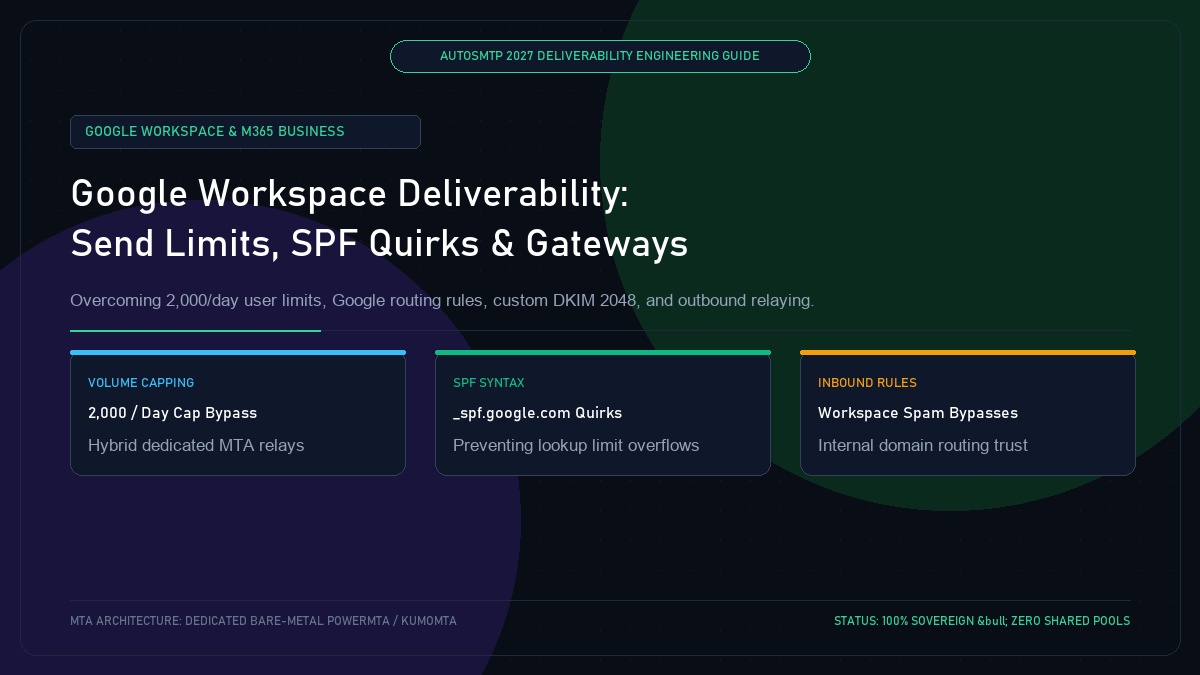
Google Workspace Email Deliverability: Daily Send Limits, SPF Quirks & Inbound Gateway Rules
Published by Fred Dawson • Senior Deliverability Systems Architect • 25 min read
Millions of businesses rely on Google Workspace (formerly G Suite) for their primary corporate email infrastructure. However, operating within Google Workspace presents unique architectural constraints that frequently trip up growing enterprises. Google imposes strict sending quotas (2,000 messages/day for regular accounts, 500 for trial accounts), enforces rigid SPF lookup rules through _spf.google.com, and applies aggressive internal spam filtering. When sales teams or automated applications attempt to dispatch high-volume outreach through Workspace mailboxes, accounts face immediate suspension. This technical guide outlines how to optimize Google Workspace deliverability and construct hybrid dedicated MTA relay pipelines.
- 1. Google Workspace Sending Limits & Account Suspension Triggers
- 2. The _spf.google.com Mechanism: Avoiding the 10-Lookup Overflow
- 3. Generating 2048-Bit Custom DKIM in Google Admin Console
- 4. Hybrid Architecture: Routing Bulk & App Mail via Dedicated MTAs
- 5. Configuring Inbound Mail Gateways & Internal Spam Whitelisting
- 6. Case Study: Consulting Firm Rescues Suspended Workspace Accounts
- 7. The AutoSMTP Deliverability Defense Advantage
1. Google Workspace Sending Limits & Account Suspension Triggers
Google Workspace enforces rigid 24-hour rolling quotas:
- Standard Sending Limit: 2,000 total recipients per rolling 24 hours per user mailbox.
- SMTP Relay Limit: 10,000 messages daily across the entire domain via Google SMTP Relay service.
- Suspension Behavior: If a single mailbox exceeds the threshold or triggers elevated recipient spam complaints, Google suspends outbound sending for 24 hours, completely cutting off business communication.
2. The _spf.google.com Mechanism: Avoiding the 10-Lookup Overflow
The standard Google SPF record (include:_spf.google.com) itself expands into 3 nested DNS lookups (_netblocks.google.com, _netblocks2.google.com, _netblocks3.google.com). If your domain also includes Salesforce, Zendesk, and an email marketing platform, you will easily exceed the RFC 7208 10-lookup limit, causing an SPF PermError on Microsoft 365.
3. Generating 2048-Bit Custom DKIM in Google Admin Console
By default, newly provisioned Google Workspace domains do not sign with a custom DKIM key. Senders must manually navigate to Google Admin Console → Apps → Google Workspace → Gmail → Authenticate Email, generate a 2048-bit DKIM selector (google), publish the DNS TXT record, and click “Start Authentication”.
4. Hybrid Architecture: Routing Bulk & App Mail via Dedicated MTAs
To scale outbound communications beyond 2,000 messages/day without risking Google account suspensions, high-growth companies deploy a hybrid architecture:
Corporate Peer-to-Peer Mail
Employee one-to-one business emails and executive communications route directly through Google Workspace servers using the root domain (@company.com).
Automated & Outbound Marketing Mail
Application notifications, sales outreach, and marketing newsletters route through dedicated AutoSMTP bare-metal relays using a dedicated subdomain (mail.company.com).
5. Configuring Inbound Mail Gateways & Internal Spam Whitelisting
When routing external applications through dedicated relays back to internal employees, Workspace spam filters may flag internal-looking emails as spoofing. Administrators must configure Inbound Mail Gateways in Google Admin to whitelist trusted dedicated MTA IPs.
Enterprise Consulting Firm Rescues Suspended Workspace Accounts
A management consulting firm with 120 employees had its corporate Google Workspace domain suspended after its sales development team connected cold email tools to employee inboxes, blowing past Google’s 2,000-message daily cap. Deliverability engineers negotiated account reactivation and immediately re-architected their infrastructure: decoupling sales outreach onto a dedicated AutoSMTP bare-metal cluster with clean /29 subnets, custom DKIM alignment, and strict connection pacing. Employee Workspace accounts were restored to 100% normal operation, and sales outreach volume scaled to 50,000 daily messages without a single suspension.
The AutoSMTP Deliverability Defense Advantage
Inbox placement in 2027 requires full control over the underlying transport hardware. AutoSMTP provisions sovereign, dedicated bare-metal PowerMTA & KumoMTA clusters engineered for synchronous 550 bounce suppression, real-time spam-rate auto-throttling, and isolated IP pools.
Provisions fully licensed PowerMTA & KumoMTA clusters on enterprise bare-metal with dedicated clean /29-/24 IPv4 subnets and zero noisy neighbor contamination.
Monitors Google Postmaster spam ratios (<0.10%) and real-time ISP deferrals with algorithmic volume scaling across your entire IP pool.
RFC 5321 in-band 550 bounce suppression, automated Yahoo/Outlook Complaint Feedback Loops (CFL), and instant bad-IP eviction.
Pre-configured forward and reverse DNS (PTR) per IP, SPF CIDR alignment, 2048-bit DKIM rotation, and strict DMARC enforcement.
Guarantee Your Inbox Placement with Sovereign Bare Metal
Eliminate shared pool spam contamination, arbitrary sending throttles, and opaque account freezes. Deploy an enterprise AutoSMTP cluster today.
Deploy Turnkey MTA Cluster →