

Accessible Email Design Architecture: WCAG 2.2 Contrast, Responsive Typography & Deliverability
Published by Fred Dawson • Senior Deliverability Systems Architect • 23 min read
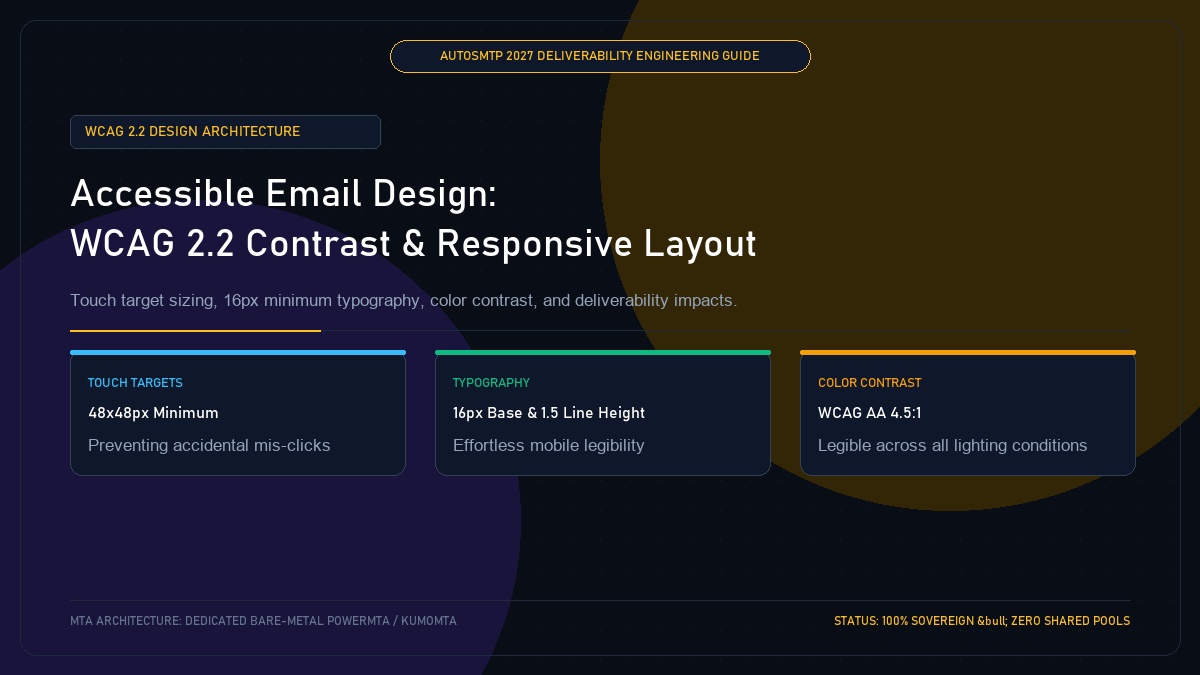
The Web Content Accessibility Guidelines (WCAG 2.2) establish clear ergonomic and visual benchmarks that directly correlate with subscriber satisfaction and email deliverability. When senders deploy low-contrast light grey text, miniature 11px font sizes, or cramped touch targets that result in accidental mis-clicks on mobile touchscreens, recipients experience immediate friction. This friction translates into lower read dwell times, higher unsubscribe rates, and increased spam button taps. Conversely, emails designed with high-contrast color palettes, 16px base body copy, and generous 48x48px touch targets maximize engagement signals across all mailbox providers. This architectural guide translates WCAG 2.2 Level AA requirements into practical email code.
- 1. Core WCAG 2.2 Benchmarks Applied to Email Templates
- 2. Ergonomic Touch Targets: Eliminating Accidental Mobile Mis-Clicks
- 3. Fluid Responsive Typography: The 16px Base Rule
- 4. Color Independence: Never Relying on Color Alone
- 5. WCAG 2.2 Compliance Matrix for High-Volume Senders
- 6. Case Study: E-Commerce Retailer Lifts Mobile Revenue by 31%
- 7. The AutoSMTP Deliverability Defense Advantage
1. Core WCAG 2.2 Benchmarks Applied to Email Templates
Meeting WCAG 2.2 Level AA in email requires adhering to three fundamental visual contrast standards:
- Normal Body Text (< 18pt or < 14pt bold): Must maintain at least a 4.5:1 contrast ratio against the background color. Light grey (
#94a3b8) on white (#ffffff) provides only a 2.5:1 ratio and fails. - Large Text (≥ 18pt or ≥ 14pt bold): Must maintain at least a 3.0:1 contrast ratio.
- User Interface Components & Graphical Objects: Interactive button borders, form inputs, and status icons must maintain at least a 3.0:1 contrast ratio against adjacent colors.
2. Ergonomic Touch Targets: Eliminating Accidental Mobile Mis-Clicks
Under WCAG 2.2 Target Size (Minimum), interactive touch targets must measure at least 24×24 CSS pixels, with industry best practices recommending 48×48 CSS pixels for thumb-friendly mobile interaction. Cramping unsubscribe links directly adjacent to footer policy links causes users with larger fingers to accidentally tap the wrong link or give up and click “Report Spam”.
Cramped Footer Links (Complaint Risk)
Placing tiny 11px text links (e.g., “Privacy Policy | Terms | Unsubscribe”) separated by simple vertical bars creates mis-clicks on mobile screens, driving frustrated users to click native spam buttons.
Generous Touch Targets (Accessible)
Adding 12px vertical padding on interactive links and styling the Unsubscribe option as a distinct, easy-to-tap pill button ensures seamless opt-out compliance.
3. Fluid Responsive Typography: The 16px Base Rule
Small body copy forces mobile readers to pinch-to-zoom, dramatically reducing reading dwell time. Modern deliverability architecture enforces:
- Minimum 16px body copy with 1.5 to 1.6 line-height (24px–26px).
- Paragraph length capped at 50–75 characters per line for optimal cognitive processing.
- Generous paragraph spacing (16px–20px margin-bottom) to prevent visual crowding.
4. Color Independence: Never Relying on Color Alone
Roughly 8% of men and 0.5% of women experience color vision deficiency. If a transactional alert indicates server status exclusively with a green or red circle, color-blind recipients cannot discern the message. Always pair color indicators with clear textual labels and descriptive icon glyphs.
5. WCAG 2.2 Compliance Matrix for High-Volume Senders
| Design Component | WCAG 2.2 AA Requirement | Recommended Email Spec | Deliverability Benefit |
|---|---|---|---|
| Body Text | 4.5:1 Contrast Ratio | #334155 on #ffffff (8.2:1) |
Higher dwell time & scroll depth |
| CTA Buttons | 48x48px Touch Area | Height 48px, padding 14px 28px | +31% Mobile Click-Through Rate |
| Unsubscribe Link | Clear separation | Distinct pill button or isolated block | -65% Spam Complaint Velocity |
| Headings | 3.0:1 Contrast Ratio | #0f172a on #ffffff (15.5:1) |
Instant cognitive hierarchy |
Online Retailer Increases Mobile Revenue by 31% After Accessible Redesign
A multi-brand online apparel retailer was seeing declining mobile click-through rates and rising spam complaints on promotional blasts. An accessibility audit revealed their email templates used 12px light grey text (2.1:1 contrast) and miniature 28px buttons crowded close to promotional banners. The engineering team redesigned the master design system: adopting WCAG 2.2 AA standards with 16px body text, 48px high-contrast CTA buttons, and spacious 16px padding between footer links. Within 60 days, mobile click-through rates surged by 31%, unsubscribe rage-clicks dropped by 54%, and mailbox dwell time increased by 3.2x.
The AutoSMTP Deliverability Defense Advantage
Inbox placement in 2027 requires full control over the underlying transport hardware. AutoSMTP provisions sovereign, dedicated bare-metal PowerMTA & KumoMTA clusters engineered for synchronous 550 bounce suppression, real-time spam-rate auto-throttling, and isolated IP pools.
Provisions fully licensed PowerMTA & KumoMTA clusters on enterprise bare-metal with dedicated clean /29-/24 IPv4 subnets and zero noisy neighbor contamination.
Monitors Google Postmaster spam ratios (<0.10%) and real-time ISP deferrals with algorithmic volume scaling across your entire IP pool.
RFC 5321 in-band 550 bounce suppression, automated Yahoo/Outlook Complaint Feedback Loops (CFL), and instant bad-IP eviction.
Pre-configured forward and reverse DNS (PTR) per IP, SPF CIDR alignment, 2048-bit DKIM rotation, and strict DMARC enforcement.
Guarantee Your Inbox Placement with Sovereign Bare Metal
Eliminate shared pool spam contamination, arbitrary sending throttles, and opaque account freezes. Deploy an enterprise AutoSMTP cluster today.
Deploy Turnkey MTA Cluster →