

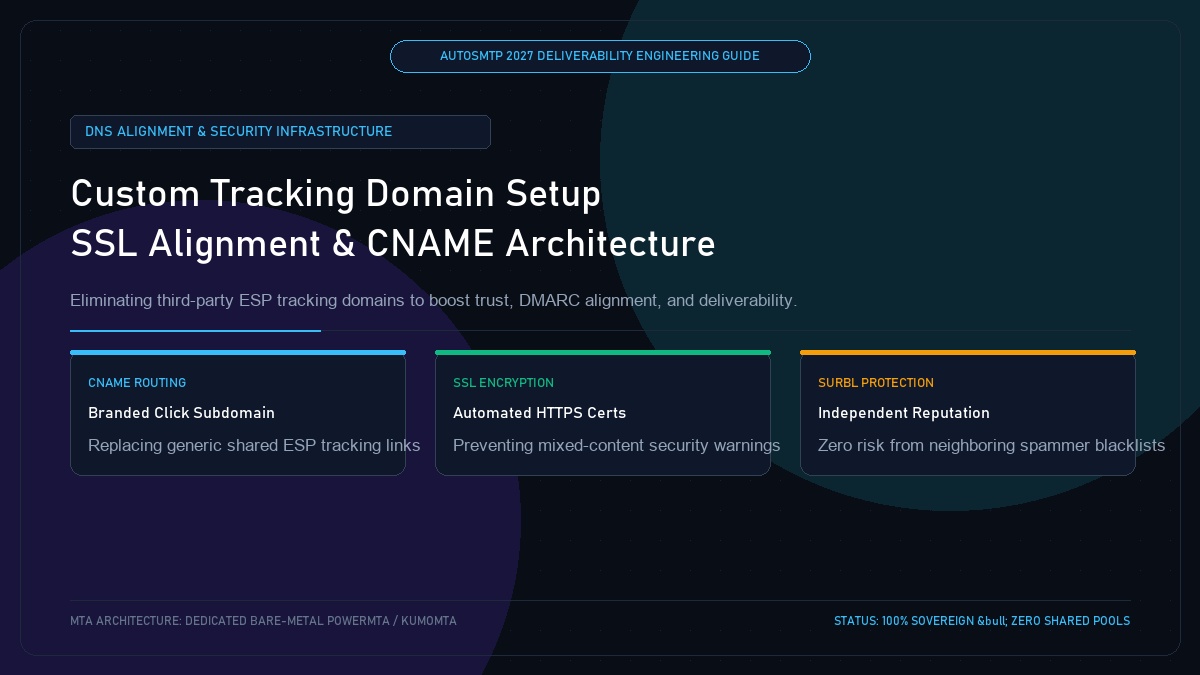
Custom Tracking Domain Setup: SSL Alignment, CNAME Architecture & Deliverability Optimization
Published by Fred Dawson • Senior Deliverability Systems Architect • 21 min read
When you send marketing or transactional emails through standard ESPs, every hyperlink and tracking pixel is automatically rewritten through the vendor’s generic tracking domain (e.g., click.sendgrid.net or links.mailchimp.com). In 2027, relying on shared vendor tracking domains is a major deliverability liability. If another customer using that shared tracking domain conducts phishing or spam attacks, the domain gets listed on SURBL or URIBL, causing your legitimate emails to be flagged as spam. Setting up a dedicated Custom Tracking Domain with SSL encryption is mandatory for enterprise deliverability. This guide provides the complete setup blueprint.
- 1. The Severe Risks of Shared ESP Tracking Domains
- 2. CNAME Delegation Architecture: How Custom Tracking Works
- 3. Mandatory SSL/HTTPS Termination for Tracking Domains
- 4. Step-by-Step DNS & Cloudflare Configuration
- 5. Shared Tracking vs Custom Tracking Domain Matrix
- 6. Case Study: Delisting from SURBL via Custom Domain Setup
- 7. The AutoSMTP Deliverability Defense Advantage
1. The Severe Risks of Shared ESP Tracking Domains
When Mailbox Providers inspect incoming email payloads, they evaluate the reputation of every embedded URL:
Shared ESP Tracking Domain Risks
Thousands of senders share the same tracking domain. If a bad actor sends a cryptocurrency scam or phishing blast through the same ESP, security organizations add the tracking domain to URIBL or Spamhaus DBL, blocking all senders using that shared domain.
Custom Dedicated Tracking Domains
Your links resolve through your own branded subdomain (e.g., click.example.com). You possess 100% ownership over link reputation, and your embedded links align seamlessly with your DKIM signing identity.
2. CNAME Delegation Architecture: How Custom Tracking Works
Setting up custom tracking requires creating a CNAME record in your authoritative DNS pointing your tracking subdomain to the delivery server:
# Publish CNAME record in DNS:
Host: click.example.com
Type: CNAME
TTL:  300
Data: track.autosmtp.io

# Verification via Dig:
dig +short click.example.com
track.autosmtp.io.
198.51.100.25
3. Mandatory SSL/HTTPS Termination for Tracking Domains
In 2027, modern web browsers and mailbox web clients (Gmail, Apple Mail) enforce strict HTTPS. If a tracking link redirects over unencrypted HTTP (http://click.example.com), browsers display alarming “Not Secure” warnings to users, and Gmail’s security scanners penalize the message score. Automated Let’s Encrypt SSL provisioning must be active on your tracking endpoint.
4. Step-by-Step DNS & Cloudflare Configuration
- Step 1: Select a branded subdomain prefix (e.g.,
link.example.comorclick.example.com). - Step 2: In Cloudflare, set the record to DNS-Only (Grey Cloud) to prevent HTTP reverse proxy interference.
- Step 3: Configure automated SSL certificate generation on your dedicated AutoSMTP proxy layer.
5. Shared Tracking vs Custom Tracking Domain Matrix
| Evaluation Vector | Shared ESP Tracking Domain | Custom Branded Tracking Domain |
|---|---|---|
| Reputation Control | Zero (Vulnerable to neighbor abuse) | 100% Sovereign (Solely based on your sends) |
| URL Appearance | click.shared-esp.com/39281 |
click.yourbrand.com/39281 |
| DMARC Alignment | Mismatched tracking domain | Full organizational domain alignment |
| Spamhaus DBL Risk | High (Shared across thousands) | Virtually Zero (Clean lists only) |
Custom Tracking Domain Resolves a URIBL Blacklist Overnight
A financial advisory newsletter with 350,000 subscribers experienced an immediate 75% drop in open rates on a Thursday morning. Investigation revealed that their cloud ESP’s shared tracking domain (ct.esp-relay.net) had been blacklisted on URIBL due to a rogue user blasting casino spam. Although the advisory firm was completely innocent, every link in their email contained the blacklisted domain, causing Microsoft and Yahoo to dump their newsletter into spam. Deliverability engineers deployed a dedicated custom tracking domain (read.financialadvisor.com) with automated SSL on AutoSMTP. The new broadcast cleared security scanners immediately, restoring 99.2% inbox placement.
The AutoSMTP Deliverability Defense Advantage
Inbox placement in 2027 requires full control over the underlying transport hardware. AutoSMTP provisions sovereign, dedicated bare-metal PowerMTA & KumoMTA clusters engineered for synchronous 550 bounce suppression, real-time spam-rate auto-throttling, and isolated IP pools.
Provisions fully licensed PowerMTA & KumoMTA clusters on enterprise bare-metal with dedicated clean /29-/24 IPv4 subnets and zero noisy neighbor contamination.
Monitors Google Postmaster spam ratios (<0.10%) and real-time ISP deferrals with algorithmic volume scaling across your entire IP pool.
RFC 5321 in-band 550 bounce suppression, automated Yahoo/Outlook Complaint Feedback Loops (CFL), and instant bad-IP eviction.
Pre-configured forward and reverse DNS (PTR) per IP, SPF CIDR alignment, 2048-bit DKIM rotation, and strict DMARC enforcement.
Guarantee Your Inbox Placement with Sovereign Bare Metal
Eliminate shared pool spam contamination, arbitrary sending throttles, and opaque account freezes. Deploy an enterprise AutoSMTP cluster today.
Deploy Turnkey MTA Cluster →