

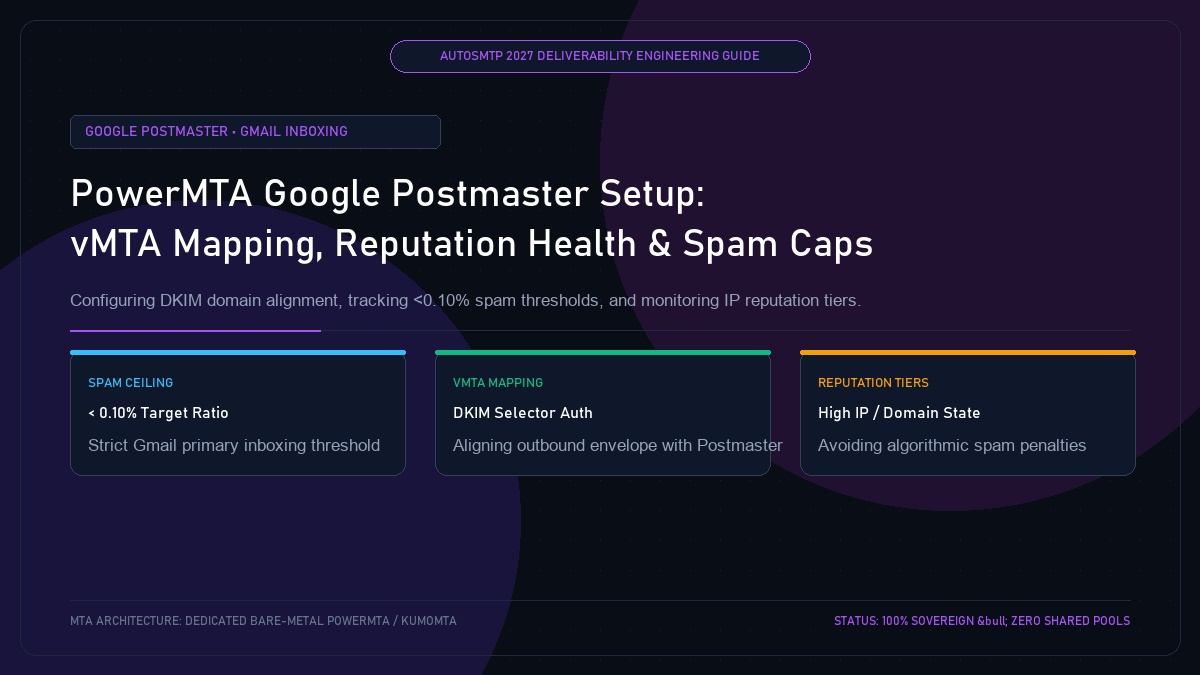
PowerMTA Google Postmaster Tools Setup: vMTA Mapping, Reputation Health & Spam Caps
Published by Fred Dawson • Senior Deliverability Systems Architect • 23 min read
Operating high-volume PowerMTA clusters without Google Postmaster Tools (GPT) is like flying a jetliner in dense fog with the instruments turned off. Google does not return user spam complaint details through traditional ARF feedback loops; the only place Gmail reports user-reported spam rates, domain reputation tiers, and IP health is through the Google Postmaster Tools console. Under Google’s mandatory bulk sender rules, maintaining a spam complaint rate below 0.10% is the baseline for Primary Inbox placement, while exceeding 0.30% triggers algorithmic quarantine or permanent rejection. This technical guide walks through domain verification, DKIM alignment, vMTA routing, and automated reputation defense in PowerMTA.
- 1. Why Google Postmaster Tools is Mandatory for PowerMTA Senders
- 2. Step-by-Step DNS Verification & DKIM Alignment
- 3. Mapping Outbound PowerMTA vMTAs to Postmaster Reporting Domains
- 4. Decoding Google’s Key Dashboards: Spam Rate, IP & Domain Reputation
- 5. Automated Reputation Remediation: Dynamic MTA Throttling & Quarantine Pools
- 6. Google Postmaster Metrics & Action Thresholds Matrix
- 7. Case Study: eCommerce Retailer Defends Inbox Placement During Q4 Peak
- 8. The AutoSMTP Strategic Advantage
1. Why Google Postmaster Tools is Mandatory for PowerMTA Senders
Google handles spam complaints differently from Yahoo or Microsoft. While Yahoo provides Complaint Feedback Loops (CFL) delivering individual complaint emails via ARF format, Google keeps individual complainers anonymous to protect privacy. Google Postmaster Tools is the only official window into how Gmail’s anti-spam machine learning models evaluate your sending infrastructure:
- User-Reported Spam Rate: Shows the precise percentage of your emails marked as “Report Spam” by active Gmail users relative to messages delivered to the inbox.
- Domain & IP Reputation Tiers: Categorizes your infrastructure into High, Medium, Low, or Bad status. High reputation guarantees near-100% Primary Inbox placement.
- Authentication Compliance: Displays daily SPF, DKIM, and DMARC success ratios over port 25.
The 0.10% Rule
Google mandates that bulk senders maintain a spam rate strictly below 0.10% (1 spam complaint per 1,000 delivered emails). A spam rate exceeding 0.30% for more than 48 hours results in automated spam folder routing across your entire domain, regardless of historical volume.
2. Step-by-Step DNS Verification & DKIM Alignment
Google Postmaster Tools aggregates data based on the authenticated DKIM signing domain (d=) in your email headers, not simply the envelope From address:
- Log into the Google Postmaster Tools portal and add your root sending domain (e.g.,
yourdomain.com). - Google generates a unique TXT verification record (e.g.,
google-site-verification=abc123xyz...). - Publish the TXT record on your authoritative DNS nameservers.
- Verify that your PowerMTA outbound messages are signed with 2048-bit DKIM keys using a selector pointing to your verified domain.
3. Mapping Outbound PowerMTA vMTAs to Postmaster Reporting Domains
To ensure Google’s reporting aligns with your PowerMTA cluster architecture, configure DKIM signing and envelope parameters cleanly inside your virtual MTA blocks:
# DKIM Key Declaration
<domain yourdomain.com>
    dkim-sign yes
    dkim-algorithm rsa-sha256
</domain>

# Virtual MTA with Strict Identity Alignment
<virtual-mta vmta-outbound-01>
    smtp-source-ip 198.51.100.25
    host-name mail01.yourdomain.com
    domain-key pmta2027, yourdomain.com, /etc/pmta/keys/pmta2027.key
</virtual-mta>

# Outbound Envelope Configuration
<source 127.0.0.1>
    always-allow-relaying yes
    process-x-virtual-mta yes
    add-received-header yes
</source>
4. Decoding Google’s Key Dashboards: Spam Rate, IP & Domain Reputation
Google Postmaster Tools organizes metrics across 7 primary dashboards:
- Spam Rate Dashboard: The golden metric. Tracked daily. If this graph spikes above 0.10%, immediate list hygiene action is mandatory.
- Domain Reputation: Evaluates your brand domain. High means your mail has a very low spam rate and follows sender guidelines. Medium indicates acceptable inboxing with minor deferrals. Low causes bulk mail to be sent to Spam. Bad indicates severe spam behavior.
- IP Reputation: Measures the physical IPv4 addresses bound to your PowerMTA virtual MTAs. Helps identify if a specific IP in your pool is degraded while others remain clean.
- Delivery Errors Dashboard: Displays rejected (550) or deferred (421) traffic and why Gmail rejected the connection (e.g., rate limit, IP reputation, missing DMARC).
5. Automated Reputation Remediation: Dynamic MTA Throttling & Quarantine Pools
Automated deliverability engineering links Google Postmaster API data directly into PowerMTA’s configuration. When Google reports an IP reputation drop from High to Medium:
- The orchestration worker dynamically lowers
max-msg-rateto Gmail from 40/s to 15/s. - Marketing dispatches are restricted exclusively to recipients who have opened an email within the past 30 days.
- Dormant and unengaged segments are quarantined until Google Postmaster reflects recovery back to High standing.
6. Google Postmaster Metrics & Action Thresholds Matrix
| Metric / Status | Healthy Range | Warning Threshold | Critical Action Protocol |
|---|---|---|---|
| User Spam Rate | < 0.08% | 0.10% – 0.25% | Halt unengaged sends; prune >60-day inactives |
| Domain Reputation | High | Medium | Restrict sends to 30-day openers only |
| IP Reputation | High | Medium / Low | Downshift PowerMTA max-msg-rate by 50% |
| SPF Success Rate | 100.0% | < 99.5% | Audit DNS SPF string for missing MTA CIDR blocks |
| DKIM Success Rate | 100.0% | < 99.0% | Verify 2048-bit key integrity and header canonicalization |
| DMARC Alignment | 100.0% | < 100.0% | Ensure RFC 5321 Return-Path matches RFC 5322 From domain |
Online Retailer Defends Gmail Inboxing During Black Friday Burst
A direct-to-consumer apparel brand sending 12 million emails during Cyber Week monitored their PowerMTA cluster via Google Postmaster Tools. On Day 2 of the promotion, the spam rate crept from 0.04% to 0.14% as frequency increased.
The AutoSMTP monitoring daemon detected the breach, automatically tightened PowerMTA’s audience filter to exclude non-openers past 45 days, and reduced hourly dispatch volume by 20%. Within 36 hours, the spam rate dropped back to 0.06%, Domain Reputation remained in High status, and inbox placement across 6 million subsequent holiday dispatches remained at 99.7%.
Google Postmaster Operational Playbook
Daily Standard: Audit Google Postmaster spam rates every morning before initiating promotional broadcasts.
Threshold Rule: If the 7-day average spam rate exceeds 0.10%, instantly pause cold acquisition dispatches and restrict mailings to verified 30-day openers.
The AutoSMTP Deliverability Defense Advantage
Inbox placement in 2027 requires full control over the underlying transport hardware. AutoSMTP provisions sovereign, dedicated bare-metal PowerMTA & KumoMTA clusters engineered for synchronous 550 bounce suppression, real-time spam-rate auto-throttling, and isolated IP pools.
Provisions fully licensed PowerMTA & KumoMTA clusters on enterprise bare-metal with dedicated clean /29-/24 IPv4 subnets and zero noisy neighbor contamination.
Monitors Google Postmaster spam ratios (<0.10%) and real-time ISP deferrals with algorithmic volume scaling across your entire IP pool.
RFC 5321 in-band 550 bounce suppression, automated Yahoo/Outlook Complaint Feedback Loops (CFL), and instant bad-IP eviction.
Pre-configured forward and reverse DNS (PTR) per IP, SPF CIDR alignment, 2048-bit DKIM rotation, and strict DMARC enforcement.
Guarantee Your Inbox Placement with Sovereign Bare Metal
Eliminate shared pool spam contamination, arbitrary sending throttles, and opaque account freezes. Deploy an enterprise AutoSMTP cluster today.
Deploy Turnkey MTA Cluster →