

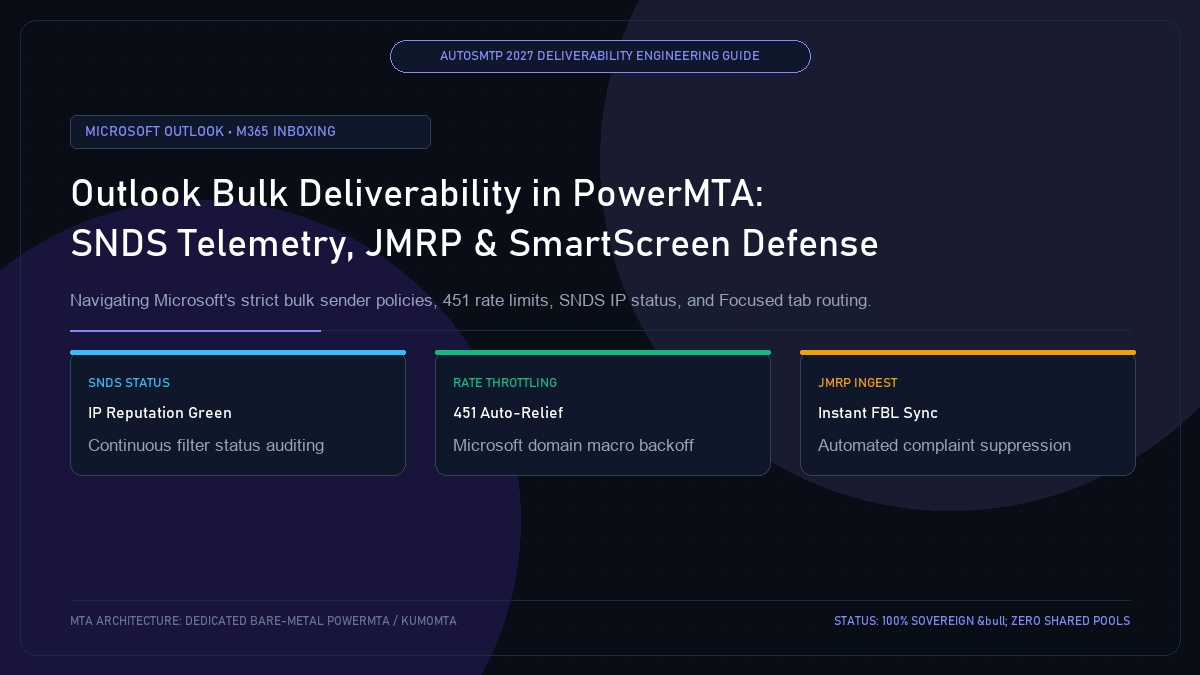
Outlook Bulk Deliverability in PowerMTA: SNDS Telemetry, JMRP & SmartScreen Defense
Published by Fred Dawson • Senior Deliverability Systems Architect • 26 min read
Microsoft operates the most complex, dual-faceted email receiving ecosystem in the world: the consumer infrastructure (outlook.com, hotmail.com, live.com, msn.com) and enterprise Microsoft 365 (formerly Office 365). Under Microsoft’s strict bulk sender enforcement rules, unauthenticated or high-complaint bulk dispatches face instantaneous 451 4.7.500 Server busy throttling, IP-level blocklisting, or automatic relegation to the Junk folder or the hidden “Other” tab. Succeeding on Microsoft domains requires integrating Microsoft Smart Network Data Services (SNDS), Junk Mail Reporting Program (JMRP) feedback loops, and tuned PowerMTA concurrency controls.
- 1. The Microsoft Filtering Landscape: Consumer Outlook vs Microsoft 365
- 2. Microsoft SNDS (Smart Network Data Services) Metrics & Color Tiers
- 3. JMRP (Junk Mail Reporting Program) Ingestion with PowerMTA
- 4. Navigating Microsoft 451 4.7.500 Rate Throttles & Concurrency Limits
- 5. Focused vs Other Tab Routing: B2B Formatting Secrets
- 6. Microsoft Deliverability Diagnostics & Action Matrix
- 7. Case Study: Enterprise B2B SaaS Recovers From Red SNDS Status in 72 Hours
- 8. The AutoSMTP Strategic Advantage
1. The Microsoft Filtering Landscape: Consumer Outlook vs Microsoft 365
Deliverability engineers must understand that Microsoft runs two distinct filtering engines:
- Consumer Edge (SmartScreen): Governs Hotmail, Outlook.com, and Live. Evaluates IP reputation, volume consistency, and user complaint rates. Telemetry is visible via SNDS.
- Enterprise M365 (Exchange Online Protection – EOP): Protects corporate corporate domains. Relies heavily on tenant-specific allowlists, SPF/DKIM authentication alignment, and content intent. Telemetry is generally private to tenant admins.
2. Microsoft SNDS (Smart Network Data Services) Metrics & Color Tiers
Microsoft SNDS assigns daily status colors to your sending IPv4 addresses:
- Green (< 0.3% complaints, clean filter result): Pristine reputation. Unrestricted throughput and high inbox placement.
- Yellow (0.3% – 0.9% complaints, occasional trap hits): Warning state. Microsoft begins throttling connections (451 errors) and placing bulk messages in Junk.
- Red (> 1.0% complaints or severe spam trap hits): Complete delivery failure. Almost 100% of mail is routed to Junk or blocked at the TCP connection layer.
3. JMRP (Junk Mail Reporting Program) Ingestion with PowerMTA
Microsoft’s Junk Mail Reporting Program sends ARF complaint notifications whenever an Outlook user clicks “Junk” or “Report Phishing”. Integrating JMRP into your PowerMTA suppression pipeline is mandatory:
- Enroll your IP ranges and contact email at
postmaster.live.com/snds/JMRP.aspx. - Configure an automated ingestion worker to process inbound JMRP reports and append matching addresses to
unsubscribes.txt. - Execute
pmta reloadto ensure complaints are suppressed across all virtual MTAs.
4. Navigating Microsoft 451 4.7.500 Rate Throttles & Concurrency Limits
When Microsoft detects high connection volume, its edge firewalls respond with 451 4.7.500 Server busy. Please try again later. Proper PowerMTA throttling handles this automatically:
# Microsoft Consumer & Enterprise Macro
<domain-macro microsoft-cluster>
    hotmail.com, outlook.com, live.com, msn.com
    hotmail.co.uk, hotmail.fr, outlook.fr
</domain-macro>

<domain $microsoft-cluster>
    max-msg-rate 20/s
    max-msg-per-connection 20
    max-connections-per-domain 10

    # Automated Backoff Relief for 451 Errors
    backoff-to-normal-after 30m
    backoff-retry-interval 15m
    backoff-max-msg-rate 4/s
    backoff-max-connect-rate 2/s

    retry-after 10m
    bounce-after 24h
</domain>
5. Focused vs Other Tab Routing: B2B Formatting Secrets
Outlook’s Focused Inbox algorithm evaluates communication authenticity. Senders who land in Focused exhibit three key characteristics:
- Clean Text-to-HTML Ratio: Over-designed multi-column HTML templates with heavy background colors are instantly relegated to “Other”.
- Recipient Engagement: High reply and thread engagement rates signal genuine human interaction.
- Consistent Outbound IP: Routing B2B correspondence through dedicated, warmed virtual MTAs rather than erratic shared pools.
6. Microsoft Deliverability Diagnostics & Action Matrix
| Diagnostic String | SNDS Status | Root Cause | Remediation Protocol |
|---|---|---|---|
451 4.7.500 Server busy |
Yellow / Green | Connection concurrency spike | PowerMTA enters automated backoff; cap connections to 10 |
550 5.7.1 Unfortunately, messages not sent [IP] |
Red | IP blocklisted for spam or trap hits | Halt sends; submit Microsoft Delist Request ticket |
550 5.7.509 Access denied, sending domain not allowed |
Any | Missing or misaligned DMARC/SPF | Enforce strict SPF CIDR and 2048-bit DKIM alignment |
Enterprise B2B SaaS Recovers From Red SNDS Status in 72 Hours
A B2B marketing automation platform discovered that their primary dedicated IP had turned Red in Microsoft SNDS, with complaint rates spiking to 1.8% after a customer blasted an un-scrubbed cold prospect list. All Outlook deliveries were failing with 550 policy blocks.
The team deployed AutoSMTP’s emergency triage protocol: pausing marketing mail on the affected IP, rerouting transactional messages to an isolated warm standby vMTA, and purging all subscribers who had not engaged in 60 days. They submitted an expedited Microsoft Delist ticket with evidence of the new suppression rules. Microsoft restored the IP to Green status within 72 hours, with inbox placement returning to 99.1%.
Outlook Deliverability Mandates
Mandate 1: Monitor Microsoft SNDS daily; act immediately if filter status turns Yellow.
Mandate 2: Enroll in JMRP to capture and suppress complainers in real-time.
Mandate 3: Limit simultaneous connections to Microsoft MX servers to 10 per IP.
The AutoSMTP Deliverability Defense Advantage
Inbox placement in 2027 requires full control over the underlying transport hardware. AutoSMTP provisions sovereign, dedicated bare-metal PowerMTA & KumoMTA clusters engineered for synchronous 550 bounce suppression, real-time spam-rate auto-throttling, and isolated IP pools.
Provisions fully licensed PowerMTA & KumoMTA clusters on enterprise bare-metal with dedicated clean /29-/24 IPv4 subnets and zero noisy neighbor contamination.
Monitors Google Postmaster spam ratios (<0.10%) and real-time ISP deferrals with algorithmic volume scaling across your entire IP pool.
RFC 5321 in-band 550 bounce suppression, automated Yahoo/Outlook Complaint Feedback Loops (CFL), and instant bad-IP eviction.
Pre-configured forward and reverse DNS (PTR) per IP, SPF CIDR alignment, 2048-bit DKIM rotation, and strict DMARC enforcement.
Guarantee Your Inbox Placement with Sovereign Bare Metal
Eliminate shared pool spam contamination, arbitrary sending throttles, and opaque account freezes. Deploy an enterprise AutoSMTP cluster today.
Deploy Turnkey MTA Cluster →