

Scaling Email Infrastructure: Architecture Decisions for High-Volume Sending Programs
Most email infrastructure guides focus on getting started — configuring a single server, warming an IP, setting up authentication. But the decisions that determine long-term success happen when your program outgrows its initial architecture: when a single MTA can’t keep up with volume, when a single IP pool creates reputation cross-contamination between business units, when a single point of failure in your sending infrastructure means a company-wide email outage. Scaling email infrastructure requires deliberate architectural decisions. Getting them right the first time avoids expensive migrations later. This guide covers the architecture principles and practical patterns for building email infrastructure that scales from hundreds of thousands to hundreds of millions of monthly sends without starting over.
The Two Scaling Dimensions: Volume and Isolation
Email infrastructure scales along two independent dimensions that are often conflated:
Volume scaling is the straightforward dimension: your infrastructure needs to send more messages per hour than it currently can. This is solved through additional server capacity, additional IP addresses, additional queue capacity, and optimized per-ISP throttle configurations.
Isolation scaling is the less obvious but often more important dimension: as sending programs grow, the reputation dependencies between different sending streams become more consequential. A marketing campaign that generates complaint spikes shouldn’t affect transactional email. Cold email outreach shouldn’t contaminate the reputation of permission-based marketing. Business unit A’s email quality problems shouldn’t degrade business unit B’s inbox placement. Isolation scaling means introducing architectural boundaries that prevent these cross-contaminations.
Organizations that invest in volume scaling but neglect isolation scaling often find that their inbox placement becomes less predictable as volume grows — because more senders are sharing reputation infrastructure, and the aggregate behavior of the shared pool becomes harder to control.
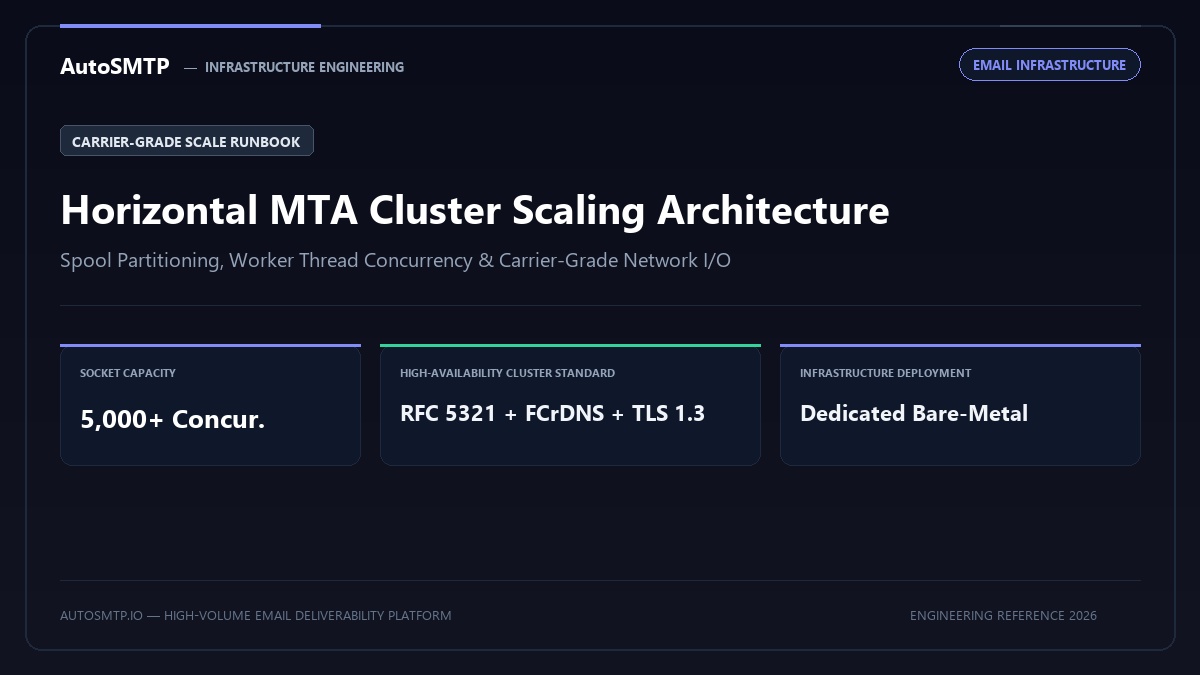
When to Add a Second MTA: Horizontal Scaling
A single well-tuned MTA server — either Postfix or PowerMTA on appropriate hardware — can handle 2–5 million emails per day before throughput becomes a genuine bottleneck. Below that threshold, the decision to add a second MTA should be driven by isolation requirements, not raw throughput.
The architecture pattern that justifies a second MTA before throughput requires it:
- Stream isolation at the MTA level: Running a separate MTA instance for transactional email versus bulk email provides complete isolation — not just separate IP pools on the same server, but genuinely separate process spaces with independent queue management, independent authentication configurations, and independent monitoring. A problem in the bulk sending MTA has zero operational impact on the transactional MTA.
- Geographic distribution: If your recipient base spans multiple continents and delivery speed matters, running MTA instances in geographically distributed data centers reduces network latency for the last-mile SMTP connection. An MTA in Frankfurt delivers to German recipients faster than one in Virginia, regardless of throughput.
- Redundancy: A second MTA running as a hot standby means that maintenance, hardware failure, or software issues on your primary MTA don’t result in email outages. Traffic can be rerouted to the standby within minutes.
IP Pool Architecture for Scale
IP address allocation is not just a deliverability consideration at scale — it’s an architectural decision that determines how flexible and resilient your sending program is. The patterns that work at scale:
Stream-Segmented IP Pools
Allocate separate IP pools for each distinct sending stream: transactional, bulk marketing, cold email (if applicable), and notification email. Each pool maintains independent reputation. A complaint spike on the marketing pool doesn’t affect the transactional pool. This is the baseline isolation pattern for any serious sending program.
Implementation: In PowerMTA, define separate VirtualMTA pools for each stream and route messages to the appropriate pool based on message headers or envelope-from patterns. In Postfix, implement separate transport instances with different IP bindings.
ISP-Segmented IP Assignment
For very high volume programs (above 5 million emails per day), segmenting which IPs handle which ISPs reduces the blast radius of any single ISP reputation problem. When your Gmail-dedicated IPs face a throttle event, your Outlook-dedicated IPs continue operating normally. This pattern requires enough IP volume to make segmentation practical — typically 8+ IPs in a pool.
Warm-Standby IP Rotation
Maintaining a pool of warmed standby IPs that rotate into active use when primary IPs face reputation problems provides resilience. If a blacklist listing or ISP complaint spike affects a primary IP, the standby IP is already warmed and can absorb the traffic while the primary IP is remediated. The standby pool must be maintained with sufficient sending volume to keep reputation active — ISP reputation data ages out after approximately 30 days of inactivity.
When an IP Pool Becomes a Liability
As programs scale, IP pools that were architecturally sensible at lower volumes can create problems. Warning signs that your IP pool architecture needs redesign:
- Unexplained inbox placement variability: Campaign performance varies week to week without obvious changes in content or list quality. This often indicates that IP pool reputation is drifting due to mixed traffic from multiple teams or sending sources with inconsistent quality.
- Blacklist incident affecting unrelated campaigns: A cold email campaign triggers a Spamhaus listing that affects your marketing campaign delivery. These were on the same IP pool.
- Complaint rate anomalies: Your complaint rate data doesn’t match the quality of campaigns you’re running. Investigation reveals that other senders sharing your infrastructure (if you’re on a partially shared pool) are generating complaints that appear in your aggregate data.
- ISP-specific throttling with no obvious cause: Microsoft starts throttling your mail without any change in your sending practices. SNDS shows degraded reputation. Root cause: another business unit in your organization has been running aggressive campaigns from the same IP range.
Queue Architecture at Scale
Queue management becomes a critical architectural concern at scale. The queue is the buffer between message injection (applications, marketing tools, CRMs submitting messages) and delivery (the SMTP connection to recipient servers). At low volume, queue management is largely invisible. At high volume, queue architecture determines delivery latency, recovery behavior from outages, and operational visibility.
The key parameters:
Active queue size limit: In PowerMTA and Postfix, the active queue has a configurable maximum size. Messages in the active queue are being actively processed for delivery; messages awaiting their turn are in the incoming or deferred queue. Setting the active queue limit appropriately prevents the queue manager from becoming overwhelmed during large batch injections.
Queue storage and I/O performance: Queue files are written to disk at injection and read at delivery. At 5+ million emails per day, queue I/O becomes a significant bottleneck on rotating disk. SSD storage for the queue directory provides the I/O throughput required at scale. The performance difference between SSD and HDD for queue operations at high volume can be the difference between delivering 5 million messages in 8 hours vs 12 hours.
Deferred queue analysis: The deferred queue (messages that failed temporary delivery and are awaiting retry) is the primary diagnostic tool for identifying systemic delivery problems. A growing deferred queue is always a signal — either volume exceeds delivery capacity, an ISP is throttling more aggressively than usual, or a reputation issue is generating higher-than-normal deferral rates at one or more providers.
Monitoring at Scale: What Changes
Monitoring requirements change as infrastructure scales. At small volume, manual inspection of daily delivery reports is sufficient. At scale, the volume of events makes manual review impractical — you need automated monitoring with alerting thresholds and escalation paths.
The monitoring stack for scaled email infrastructure:
- Real-time queue depth monitoring: Alert when active queue depth exceeds defined thresholds (e.g., active queue above 50,000 messages). Growing queue depth is a leading indicator of delivery problems before they appear in bounce statistics.
- Per-ISP delivery rate tracking: Track hourly delivery rates to Gmail, Outlook, Yahoo, and other significant ISPs separately. A sudden drop in Gmail delivery rate while Outlook is normal points to a Gmail-specific problem.
- DNSBL monitoring automation: Automated checks every 15–30 minutes against major blacklists for all sending IPs. Alert immediately on any listing. At scale, a blacklist listing that goes undetected for 8 hours while 500,000 messages are being rejected represents significant damage.
- Authentication validity checks: Automated daily verification that SPF, DKIM, and DMARC are passing for all active sending domains. DNS records can be accidentally deleted, key files can be overwritten, and configurations can drift. Catching authentication failures within hours rather than days prevents extended reputation damage.
- Gmail Postmaster Tools API integration: If you’ve migrated to the v2 API, integrate Compliance Status and Spam Rate data into your monitoring dashboard for real-time visibility.
The Multi-Account vs Multi-Server Decision
For organizations using managed email infrastructure providers rather than self-managed servers, the equivalent of the multi-MTA question is the multi-account question: do you need separate accounts or separate sending domains for isolation purposes?
The answer follows the same logic: if your sending streams generate meaningfully different complaint rates, engagement rates, or bounce rates, they need separate reputation tracking. A marketing stream that generates 0.08% complaints and a cold email stream that generates 0.8% complaints cannot share sending infrastructure without the cold email stream degrading the marketing stream’s reputation.
The resolution is stream isolation, regardless of whether you’re running your own MTAs or using a managed provider. The architectural principle is the same — the implementation depends on your infrastructure type.
The AutoSMTP Dedicated Infrastructure Advantage
AutoSMTP provisions and manages enterprise-grade PowerMTA and KumoMTA clusters on dedicated bare-metal hardware. Complete stream isolation, automated gas-pedal IP warming, and proactive deliverability telemetry.
Turnkey Dedicated Bare-Metal Clusters
Pre-configured PowerMTA and KumoMTA installations on enterprise hardware with dedicated IPv4 subnets and predictable flat pricing.
Isolated Multi-Tenant Sending Pools
Strict physical separation of transactional, marketing, and client streams to prevent cross-contamination and protect high-value delivery.
Real-Time FBL & Wire Suppression
Automated RFC 3464 bounce ingestion, Yahoo/Outlook CFL complaint webhooks, and instant in-band suppression synchronization.
Full Cryptographic Alignment
2048-bit DKIM key rotation, strict DMARC enforcement (p=reject), FCrDNS PTR verification, and automated TLS cipher hardening.
Ready for Dedicated Sending Infrastructure?
Eliminate shared pool throttle penalties and take complete control over your mail delivery with custom-tuned MTA clusters.
Deploy Dedicated MTA Fleet →