

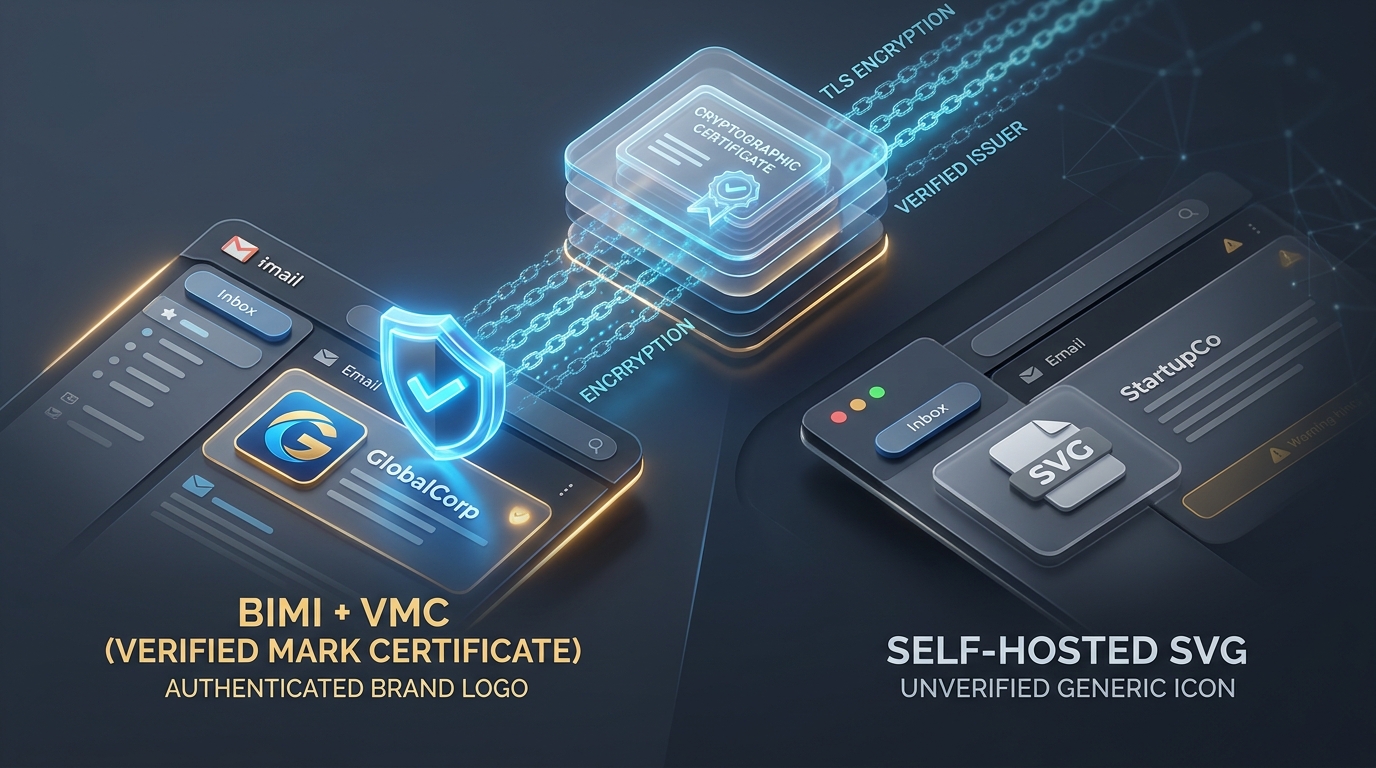
BIMI with VMC Certificate vs. Self-Hosted SVG: The Verified Mark Showdown
BIMI (Brand Indicators for Message Identification) allows domain owners to display official brand logos next to incoming emails in consumer inboxes. While Apple Mail supports free self-hosted Tiny PS SVG logos without a certificate, Gmail (Google) strictly mandates a Verified Mark Certificate (VMC) from DigiCert or Entrust ($1,200–$1,500/year) requiring a registered trademark to grant the coveted blue verified checkmark. AutoSMTP provides complete automated BIMI DNS formatting and SVG Tiny PS validation out of the box.
Provider Support Divergence: Google VMC Mandate vs. Apple Open Standards
Before investing in BIMI implementation, understand how different mailbox providers evaluate your DNS records:
- Gmail (Google Workspace): Requires both strict DMARC enforcement (
p=quarantine pct=100orp=reject) AND an authorized VMC certificate in thea=tag. Emails matching these criteria receive the verified blue checkmark icon. - Apple Mail (iOS 16+ / macOS Ventura+): Displays your brand logo from the raw SVG vector file in your
l=tag without requiring a VMC certificate, provided your domain passes DMARC alignment. - Yahoo & Fastmail: Display logos with or without VMCs based on algorithmic domain sender reputation.
⚡ AutoSMTP Automated BIMI Preparation & Drift Monitoring
AutoSMTP includes a built-in BIMI Inspector and SVG Tiny PS validator. We ensure your SPF and 2048-bit DKIM records achieve strict DMARC alignment, format your SVG into compliant SVG Tiny 1.2 PS XML specifications, and verify your DNS records against all major mailbox registries.
Side-by-Side Architectural Matrix
| Evaluation Vector | Self-Hosted BIMI (SVG Only) | BIMI + Verified Mark Certificate (VMC) |
|---|---|---|
| Cost | 100% Free (DNS Record Only) | $1,200 – $1,500 / year per logo |
| Registered Trademark Required? | No | Yes (USPTO, EUIPO, or WIPO) |
| Gmail Logo Display | No (VMC Required) | Yes + Verified Blue Checkmark |
| Apple Mail Logo Display | Yes (iOS 16+ / macOS Ventura) | Yes |
| Yahoo Mail Logo Display | Reputation-dependent | Yes (Guaranteed Display) |
| DMARC Prerequisite | p=quarantine pct=100 or p=reject |
p=quarantine pct=100 or p=reject |
Step-by-Step Implementation Roadmap
default._bimi.domain.com IN TXT "v=BIMI1; l=https://domain.com/logo.svg;". Instantly gain Apple Mail logo support.
p=reject. Verify that zero unauthorized third-party services are sending on your domain.
a=https://domain.com/cert.pem parameter, and unlock the blue checkmark in Gmail.
Automate BIMI & DMARC Alignment with AutoSMTP
Pre-configured SPF, dual DKIM keys, strict DMARC, and automated SVG Tiny PS verification.