

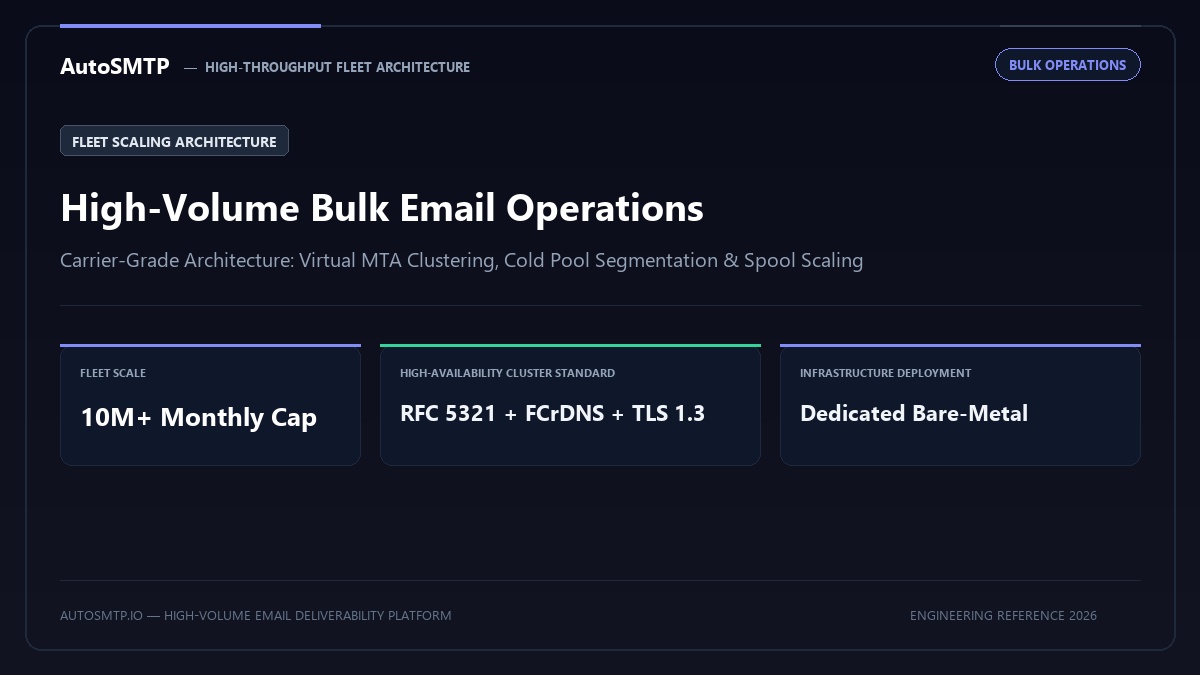
Executive Summary: Production operations manual for high-volume bulk email fleets: infrastructure sizing, queue backlog management, horizontal vs vertical scaling, and IP pool allocation.
Operating bulk email at scale — hundreds of thousands to millions of messages per day — requires infrastructure management practices that do not exist in smaller-volume operations. The queue dynamics are different, the per-ISP relationship management becomes central rather than peripheral, and the cost of configuration mistakes is measured in thousands of missed messages before anyone notices. This guide covers the operational framework for high-volume bulk email from infrastructure architecture through daily operations and incident response.
Inbox Placement by Send Wave — Same Campaign, Engagement-Tiered
Infrastructure Architecture for Scale
High-volume bulk email typically uses one of three architectural patterns, each with different trade-offs between flexibility, cost, and deliverability control:
Single MTA with multiple IPs
One PowerMTA, Postfix, or KumoMTA instance managing multiple sending IPs with virtual MTA configuration for stream isolation. Works well up to approximately 2 – 5M messages/day on appropriate hardware. Simple to manage, single point of monitoring. Ceiling is determined by server hardware and disk I/O throughput.
MTA cluster behind load balancer
Multiple MTA instances, each handling a portion of the queue, with a load balancer distributing injected messages. Necessary above 5M messages/day. Adds complexity — each node must have its own IP allocation, DKIM keys, and monitoring. Failure of one node must not create unacceptable queue depth on remaining nodes.
Managed relay infrastructure (ESP)
For organisations whose core business is not email operations, managed relay services (AWS SES at scale, SendGrid, SparkPost) handle infrastructure and ISP relationships while you manage content and audiences. Appropriate when operational control is less critical than operational simplicity. Cost per message is higher than self-hosted, but engineering and operations burden is dramatically lower.
When to Add IPs vs Optimise Existing Infrastructure
Adding IPs is frequently proposed as the solution to deliverability or throughput problems when it’s the wrong tool for the problem:
Add IPs when:
- You’re hitting per-IP concurrency limits at specific ISPs (the ISP accepts your mail but throttles you due to connection count limits)
- You need stream isolation — separate IPs for transactional vs marketing to prevent complaint cross-contamination
- Total sending volume consistently requires more than one IP can deliver within the required time window
- An existing IP has been listed on a blacklist that prevents delisting without infrastructure change
Do NOT add IPs when:
- Your complaint rate is too high — more IPs just spreads the same reputation problem
- Your list quality is poor — new IPs warm up on the same poor list and get the same result
- An existing IP is blacklisted due to sending practices — the same practices will blacklist the new IP
- You’re hitting a 421 “rate limit” from Gmail — Gmail’s rate limits are complaint-based, not connection-count-based
Queue Management at High Volume
At high volume, queue management becomes an active operational responsibility rather than a background process. Key metrics to monitor continuously:
Active queue depth: Messages currently being processed for delivery. A healthy active queue maintains a depth proportional to throughput. If active queue is filling up and not draining, investigate: are ISPs accepting mail? Is there a block at a major destination? Is your MTA software hitting process limits?
Deferred queue depth and age distribution: A moderate deferred queue is normal and expected — messages that received 4xx temporary deferrals will retry. The concern is the age distribution: a deferred queue heavily weighted toward old messages (48+ hours) indicates messages that keep being deferred repeatedly. Use qshape (Postfix) or PowerMTA’s web console to see this distribution.
Per-domain queue distribution: If one destination domain is consuming a disproportionate share of your queue (visible in qshape output), that domain is either throttling you heavily or blocking. Investigate that domain specifically before broad infrastructure changes.
Throughput rate (messages delivered/hour): Monitor with 15-minute granularity. Sudden drops in throughput without corresponding volume reduction indicate a block or infrastructure problem. Gradual throughput decline indicates increasing deferrals — investigate queue age distribution and per-ISP deferral codes.
Per-ISP Rate Controls and Throttling
Every major ISP imposes rate limits on incoming mail. The limit isn’t a fixed number — it’s dynamic based on your IP reputation. As reputation improves, throughput limits expand; as reputation degrades, limits tighten. Configure your MTA to respect these limits rather than hammer against them:
| ISP | Max concurrent connections (reputation-dependent) | Max messages/connection | When to slow down |
|---|---|---|---|
| Gmail | 5 – 15 per IP | 100 – 500 | 421 4.7.0 errors; 550 5.7.1 errors |
| Microsoft/Outlook | 2 – 10 per IP | 50 – 200 | 421 4.7.650 errors; slow connection resets |
| Yahoo | 5 – 15 per IP | 50 – 100 | TS01, TS03 codes; connection limits |
| Apple iCloud | 10 – 20 per IP | 100+ | Connection refused responses |
When you receive a 421 temporary deferral from an ISP, the correct response is to back off and retry after the specified interval — not to try again immediately from a different IP. Rotating IPs to circumvent per-IP rate limits (snowshoeing) is both ineffective (ISPs detect it) and a fast path to CSS blacklisting.
FBL Processing at Scale
Feedback loops (FBLs) are programmes through which major ISPs send complaint notifications to senders when their users mark messages as spam. At high volume, FBL processing must be automated — manually reviewing and suppressing FBL complaints is not operationally feasible above a few thousand messages per day.
ISP FBL registration:
- Yahoo FBL: postmaster.yahooinc.com — complaint reports delivered per sending IP
- Microsoft JMRP: jmrp.io — sends ARF complaint reports for Outlook/Hotmail/Live users
- Comcast FBL: postmaster.comcast.net — consumer ISP complaints
- Gmail: Postmaster Tools provides aggregate complaint rate data but not individual complaint notifications per message
FBL processing automation: FBL reports arrive as ARF (Abuse Reporting Format) emails. Your MTA or a separate processing daemon must parse these emails, extract the original recipient address from the embedded message, and add that address to your global suppression list immediately. No manual step should be required. PowerMTA has built-in FBL processing; Postfix requires a separate FBL processing script (pmilter or custom).
Bounce Classification and Automated Suppression
At scale, every hard bounce must be suppressed automatically and immediately. A suppression list that requires manual processing introduces latency that produces multiple sends to invalid addresses — damaging reputation further. The suppression list must be:
- Shared across all sending streams and IPs (a bounce on IP 1 suppresses from all IPs)
- Updated in real-time from accounting/bounce logs
- Checked before injection, not just at delivery time
- Honoured by all campaign systems that inject into your infrastructure
Bounce categorisation for operational decision-making:
- Hard bounce (5xx 5.1.1, 5.1.2): Invalid address or domain — suppress permanently, never retry
- Hard bounce (5xx 5.7.x): Policy rejection — suppress with investigation; some are reputation-based and may clear with list hygiene improvement
- Soft bounce (4xx quota): Mailbox full — retry 2 – 3 times over 24 hours; if persistent, soft-suppress
- Soft bounce (4xx connection/timeout): Receiving server issues — retry on standard backoff schedule
- Spam rejection (4xx or 5xx TS01, 421 4.7.0): Reputation issue — reduce sending volume to this ISP; do not retry aggressively
Throughput Monitoring Dashboard
A production bulk sending operation needs a monitoring dashboard that answers these questions in real-time without log-digging:
- Messages delivered in last 15 minutes / last hour / today
- Active queue depth per vMTA
- Deferred queue depth and oldest message age
- Hard bounce rate (last hour) — alert if above 0.5%
- Soft bounce rate (last hour) — alert if above 5%
- Complaint rate (from FBL processing) — alert if above 0.10%
- Per-ISP delivery rate (Gmail, Microsoft, Yahoo separately)
- Any new blacklist listings (automated check, alert on change)
- SMTP connection errors by type and ISP
Commercial monitoring tools (Postmastery, GlockApps) provide some of this visibility. For self-hosted infrastructure, Prometheus + Grafana with custom MTA log parsers is the most flexible approach. PowerMTA exports accounting data to CSV; a log processor that ingests these files and feeds metrics to Grafana provides the core dashboard.
Situation: All 22 clients sent simultaneously during Black Friday — 8.5M messages in 90 minutes. Microsoft blocked 61% with 421 4.7.650. Yahoo TS03 errors on 38%.
Action taken: Implemented staggered send protocol: each client domain separated by 30-minute window. Engagement tiers per ISP. Microsoft capped at 5 concurrent connections per sending IP.
Outcome: Microsoft deferral rate: 6%. Yahoo errors: eliminated. Campaign delivery window extended from 90 minutes to 14 hours with no client complaints about timing.
▶ High-volume operations — daily checklist
The High-Volume Operations Framework
Operating bulk email at 10M+ messages per month requires a systematic operational framework that covers infrastructure sizing, monitoring automation, quality gates, and incident response protocols — not as separate practices but as an integrated system where each component informs the others.
The framework has five layers. Infrastructure layer: correctly sized IP pool for the campaign volume and delivery window requirements; per-ISP domain block configuration calibrated to current reputation tiers; VMTA traffic isolation between traffic quality segments; dedicated transactional infrastructure separated from bulk sending. Quality gate layer: pre-campaign list verification for any new segment; pre-campaign seed inbox placement test; spam score check via mail-tester.com for new templates; header verification for any new campaign type. Monitoring layer: daily Postmaster Tools review; real-time accounting log monitoring for per-ISP deferral rate spikes; weekly SNDS review; monthly DMARC aggregate report review. Incident response layer: documented escalation procedures for each incident type (IP blocklisting, domain reputation decline, authentication failure, ISP throttle escalation); on-call rotation for time-sensitive incidents; post-incident analysis protocol that produces process improvements to prevent recurrence. Continuous improvement layer: quarterly domain block calibration review; quarterly list quality audit; semi-annual infrastructure architecture review as volume grows.
High-volume bulk email operations that implement all five layers consistently deliver reliably at scale — not because they never encounter problems, but because the framework detects problems early, responds to them systematically, and learns from each incident. The difference between a high-volume operation that experiences occasional disruptions and one that operates consistently is not luck — it is the completeness and discipline of the operational framework applied to the infrastructure.
Production Deliverability & Infrastructure Architecture Recommendation
Operating high-volume outbound mail streams demands rigid technical segregation. Senders cannot mix cold prospecting, transactional receipts, and mass newsletters on shared pools or unmanaged IPs. Carrier algorithms—specifically Google Postmaster spam filters and Microsoft SmartScreen heuristics—penalize unmanaged concurrency spikes and elevated bounce counts instantly. Enterprises must operate dedicated, high-performance PowerMTA or KumoMTA clusters configured with domain-level throttling, automated RFC 5965 FBL suppression loops, and dedicated bare-metal hardware.
High-Volume Sending Operations Roadmap
Step 1 (Pre-Flight Sanitization & DNS): Scrub contact databases via multi-pass syntax, MX, and disposable mailbox filters. Ensure 100% strict FCrDNS PTR and 2048-bit DKIM cryptographic alignment across all outbound IPs.
Step 2 (Wire Throttling & Stream Isolation): Configure per-destination connection caps (max-smtp-out, rate-limit) and isolate sending reputations into segregated Virtual MTAs with dedicated IPv4 addresses.
Step 3 (Automated Telemetry & Suppression): Deploy real-time pipe scripts to ingest RFC 5965 ARF abuse reports and RFC 3464 DSN hard bounces, enforcing immediate in-band suppression before the next send.
The AutoSMTP Dedicated Outreach Fleet Advantage
AutoSMTP provisions and manages enterprise-grade PowerMTA and KumoMTA clusters on dedicated bare-metal servers. Complete domain isolation, automated gas-pedal warming, and proactive deliverability telemetry.
Turnkey Dedicated Bare-Metal Clusters
Pre-configured PowerMTA and KumoMTA installations on enterprise hardware with dedicated IPv4 subnets and predictable flat pricing.
Automated Gas-Pedal IP Warming
Dynamic ramp-up algorithms that modulate hourly dispatch volume against real-time deferrals and Google Postmaster spam ratios.
Native FBL & Socket Interceptors
Automated RFC 3464 bounce ingestion, Yahoo/Outlook CFL complaint webhooks, and instant in-band suppression sync across all fleet nodes.
Strict Cryptographic Alignment
2048-bit DKIM key rotation, strict DMARC enforcement (p=reject), FCrDNS PTR verification, and automated TLS cipher hardening.
Ready for Dedicated Sending Infrastructure?
Eliminate shared pool throttle penalties and take complete control over your mail delivery with custom-tuned MTA clusters.
Deploy Dedicated MTA Fleet →